
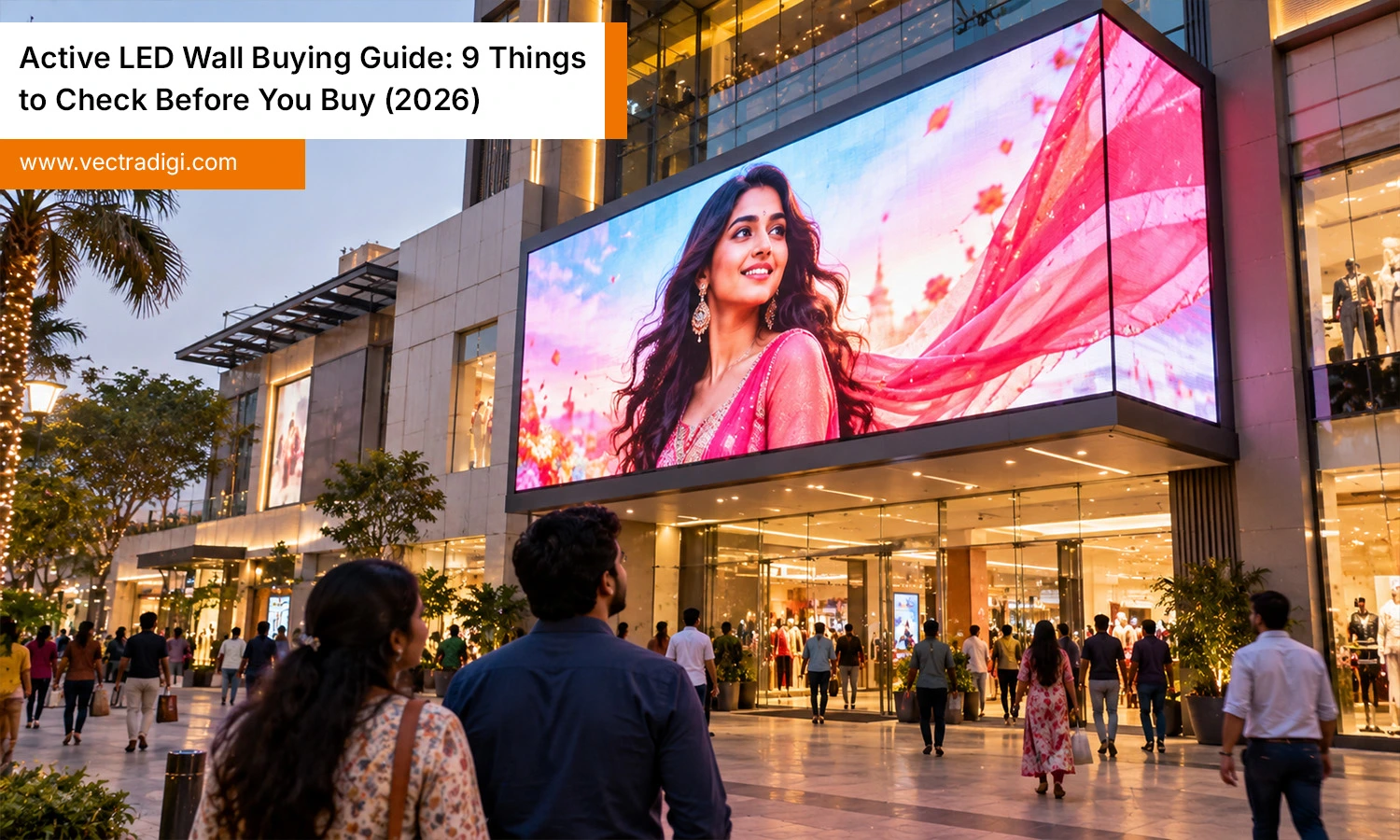
Buying a display for a stage, showroom or control room is nothing like buying a television. A wrong choice costs you twice: once at purchase and again when you replace it. An active LED wall has its own driving electronics, so what you see depends on far more than screen size. Many first-time buyers focus on price and regret it within a year. Understand the construction and evaluation standards of a quality LED wall system before approaching potential suppliers. This guide covers nine practical checks that will help you compare quotes properly and invest with confidence in 2026.
Also Read: How Long Does It Take to Set Up an Active LED Wall
1. Match Pixel Pitch to Viewing Distance
Pixel pitch measures the distance, in millimetres, separating two adjacent LEDs on a display. A smaller pitch gives sharper images up close, but the price climbs quickly. A rough rule is one metre of viewing distance for every millimetre of pitch. A P2.5 wall suits an audience standing about three metres away, while a P1.5 works for boardrooms where people sit close.
Do not pay for fine pitch if your viewers stay far back. Ask for a sample at your real viewing distance. A well-planned LED walls system balances sharpness against budget instead of chasing the smallest number on a brochure.
2. Decide Between Indoor and Outdoor Build
Indoor and outdoor panels are engineered differently, and mixing them up is an expensive mistake. Outdoor cabinets need a strong ingress protection (IP) rating, sealed modules and materials that handle rain, dust and heat. Indoor cabinets skip that protection, which keeps them lighter and cheaper. If your venue has a covered but open entrance, or a window facing direct sun, think carefully about which category fits.
Tell the supplier exactly where the LED wall system will sit, including humidity and temperature, so they can recommend the right cabinet rather than the one they have in stock.
3. Check Brightness and Contrast
Brightness is measured in nits. Indoor walls usually perform well between 600 and 1,200 nits, while outdoor or window-facing installations often need several thousand. More is not always better. A wall that is too bright indoors tires the eyes and wastes power. Look for adjustable brightness and good contrast, because deep blacks make colours look richer.
Always view the sample with your own content, not the polished demo video the seller loads. Dark scenes, white backgrounds and skin tones reveal weaknesses quickly.
4. Look at Refresh Rate and Grayscale
If the wall appears on camera, the refresh rate matters a lot. A low refresh rate can produce flickering and dark bands in recorded footage, livestreams, and broadcast videos. Aim for 3840Hz or higher for any camera-facing use. Grayscale depth, typically 14 or 16 bits, determines the smoothness of colour transitions between shadows and highlights. Poor grayscale shows up as blocky gradients and crushed shadows. Film a short clip of the sample on your phone.
If you see lines or shimmer, ask what the panel offers in refresh performance before you commit.
5. Inspect Cabinet Size, Weight and Serviceability
Cabinets decide how easily your LED wall system is installed, moved and repaired. Die-cast aluminium is lighter and more precise than iron, which helps if you rig the wall for touring or rental work. Check cabinet dimensions, because common sizes simplify building custom shapes. Also ask about maintenance access. Front-serviceable modules save time when the wall is fixed against a surface, while rear access suits open stages.
Gaps between cabinets should be nearly invisible, so check seams on the sample under a bright light.
6. Test Viewing Angle and Calibration
A wall can look perfect when you stand in front of it and wash it out from the side. Check the viewing angle, ideally around 140 degrees or wider on both axes, especially for wide rooms or auditoriums. Colour uniformity matters just as much. Reputable manufacturers calibrate every module before shipping, so patches do not appear as a visible mosaic. Ask whether factory calibration data is stored in the modules, because replacements then match the existing panels. Walk around the sample and look at it from awkward positions, just as your audience will.
7. Confirm Controller and Input Compatibility
The display represents just one part of the entire system. The video processor receives your signal and sends it to the panels, so it must accept the sources you use: HDMI, DisplayPort, SDI or network feeds. Check scaling quality, input switching speed and whether it supports your resolution. If you plan to add cameras or media servers later, choose a processor with headroom now.
A modern LED walls system should also allow brightness and colour adjustments without rebuilding the configuration. Ask who supplies the software, and whether updates are free or paid.
8. Understand Power Use and Heat
Power draw affects your running cost, wiring needs and room cooling. Suppliers usually quote maximum and average consumption, and the average is the number that predicts your electricity bill. Ask for both. Efficient designs run cooler, which extends component life and keeps noise down in quiet rooms. Verify whether cabinets use fans or passive cooling, and make sure your electrician checks the circuit capacity before delivery.
An LED wall system that overheats will dim itself or fail early, so ventilation planning is worth the effort.
9. Review Warranty, Spares and After-Sales Support
Even excellent panels develop faults eventually, so the real question is how quickly you get back to normal. Read the warranty terms closely. Note its length, what it covers, and whether labour and shipping are included. Ask the supplier to supply spare modules, power supplies and receiver cards with the first order, roughly three to five percent extra. Confirm that a local technician or a responsive remote team exists. A cheap quote with no support is rarely cheap after the first breakdown, especially when the wall is central to your business.
Conclusion
A great purchase comes from asking the right questions rather than chasing the lowest price or the finest pitch. Define where the wall will live, who will watch it and how it will be used. Then check pitch, brightness, refresh rate, build, calibration, control, power and support in that order. Request samples, itemised quotes and written warranty terms before you pay a deposit. A carefully chosen LED wall system should serve you reliably for many years, and the hour you spend on these nine checks now can save you from a costly replacement later.
Planning to Buy an Active LED Wall? Contact Our Team to Find the Right Display Solution for Your Needs.
Frequently Asked Questions
Q1. How long does an active LED wall usually last before replacement?
Ans: Quality panels are typically rated around 100,000 hours, though real life depends on brightness settings, heat and maintenance. Running below maximum brightness and keeping ventilation clear helps panels last far longer.
Q2. Can I use an LED wall for video calls and recorded content?
Ans: However, prioritize refresh rates of 3840Hz or higher, alongside excellent grayscale performance for smoother visuals. Otherwise cameras pick up visible flicker or banding lines, which looks unprofessional on recordings and broadcasts.
Q3. What hidden costs should I budget for beyond the panels themselves?
Ans: Plan for the controller, structure or mounting frame, cabling, power distribution, installation labour, and spare modules. These extras often add a share to the panel price, so request itemised quotes.
Q4. Should you rent or purchase an LED wall for hosting events and functions?
Ans: Rent if you need a wall only a few times a year. Buy if you use it weekly, since ownership usually pays itself back within roughly two to three years.

