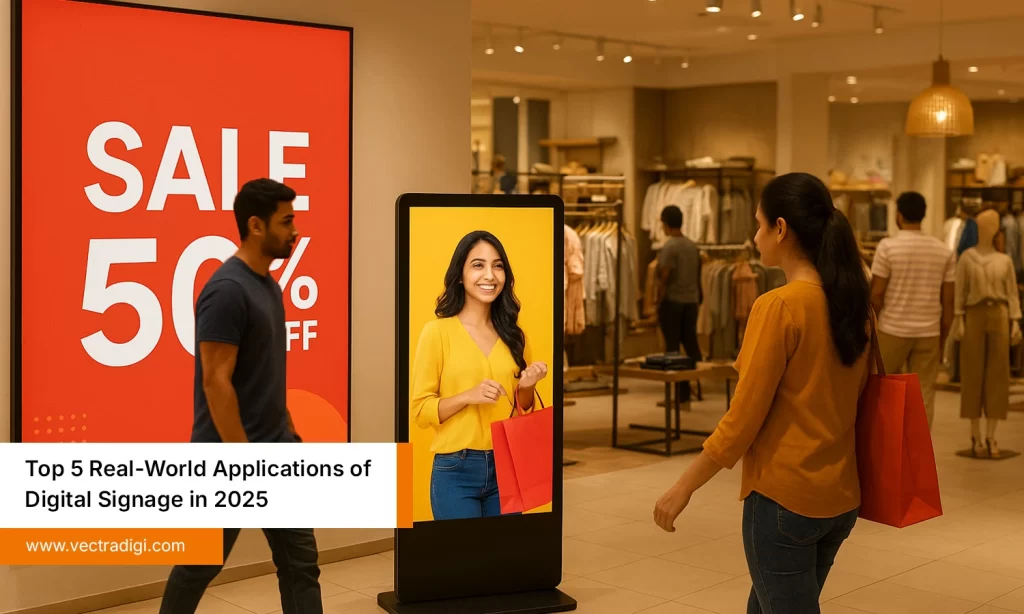
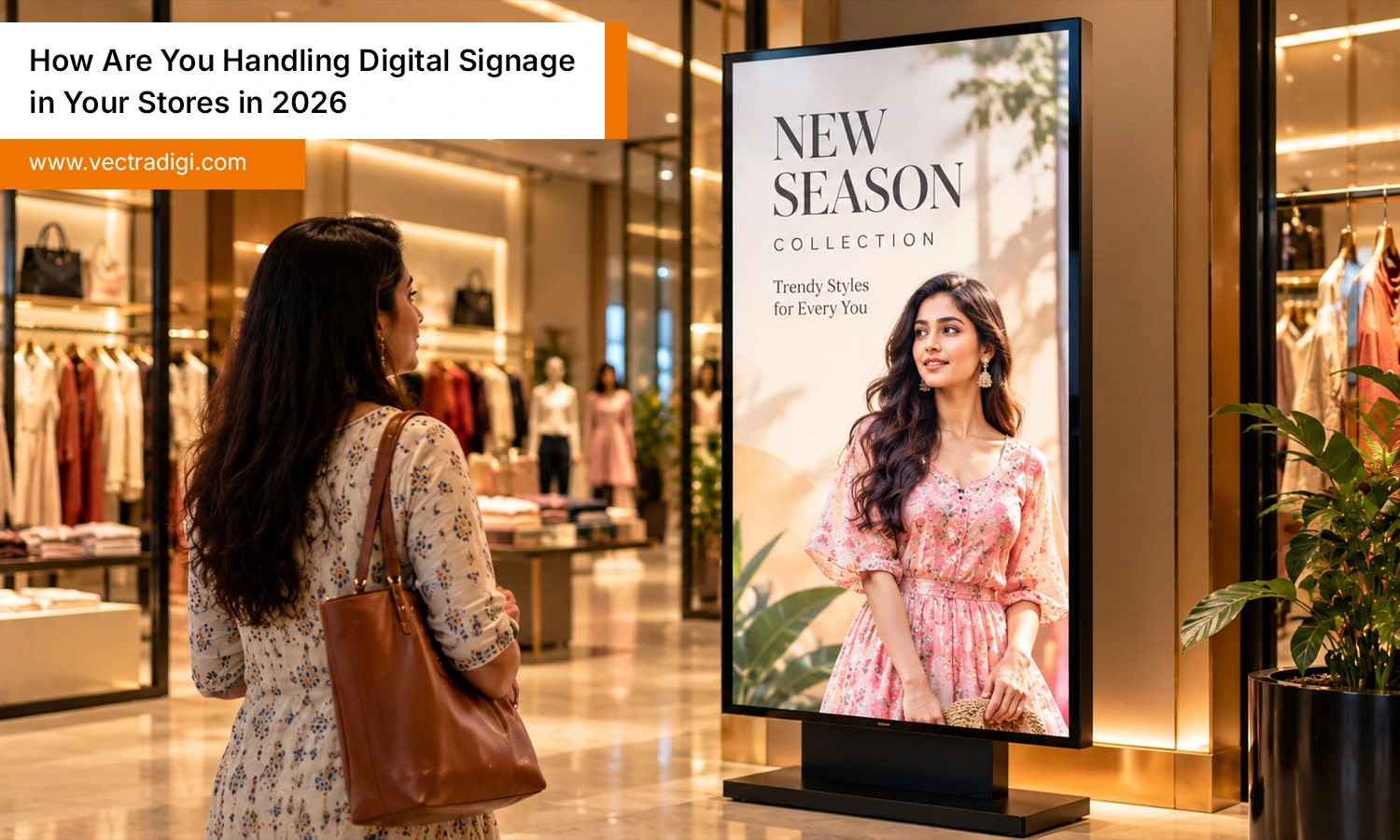
Ask ten store owners about their screens in 2026 and you’ll get ten different answers. Some swear by them. Others quietly admit half their displays show a frozen logo. The difference rarely comes down to budget. It comes down to how the screens are planned, fed with content, and looked after once the installers leave. If you’re wondering whether your approach is really working, or you’re about to buy your first display, this guide shares what’s changed this year, what stores are doing differently, and how to create a digital signage solution that delivers value and justifies its installation.
Also Read: Does Digital Signage Actually Drive Sales, or Is It Just Expensive Decoration
What Has Changed This Year
A few years ago, digital signage meant a television on a bracket playing a looping video. In 2026, the conversation has moved on. Screens are cheaper and brighter, cloud management is standard, and shoppers are used to information that updates itself. Stores that treat screens as a small broadcast channel, rather than decoration, are pulling ahead.
Expectations have shifted too. Customers compare your shop with their phone. If a screen shows an offer the till doesn’t honour, they notice immediately. Accuracy has become the quiet rule of every good digital signage system.
Start With the Job, Not the Screen
The most common regret among retailers is buying displays first and inventing a purpose later. Flip that order. Write down one job per screen: sell a high-margin product, make the wait at the counter feel shorter, announce a pickup service, or guide people to a hidden department.
A clothing boutique might use one narrow screen by the fitting rooms to suggest matching accessories. A hardware store might run a short how-to clip beside the paint aisle. A café might simply show today’s specials and allergen notes. None of these needs a giant video wall. Each has a clear purpose, which makes the content easy to write and the results easy to judge.
Place Screens Where People Pause
Shoppers move quickly through some spots and slow down in others. Put screens where they slow down.
Doorways get one glance, so keep that message to a single idea. Fitting rooms, queues, and service counters give people thirty seconds or more, which suits slightly richer content. Shelf-edge screens work best for products customers are already holding or comparing. Window screens do the heavy lifting after dark, when a paper sign disappears.
Observe your store during peak hours and identify the spots where customers pause. Those pauses are your map.
Write Content People Actually Read
Treat each screen like a shop assistant with five seconds to make a point. That means big words, clear pricing, and one call to action.
Build a simple rhythm. Mornings might highlight coffee and quick-buy items, afternoons could feature family offers, and evenings might push ready meals or last-minute gifts. Refresh the main message every two weeks, and remove anything that has expired the same day. Nothing erodes trust faster than a sale sign that outlived the sale.
Mix your formats as well: short clips, product close-ups, customer reviews, and the occasional local tip or weather note. Variety stops the loop from fading into the background and keeps regular visitors from tuning out.
How to Choose the Right Software Platform
Feature lists all look alike, so judge platforms by daily reality. Can a busy store manager change a screen in under five minutes from a phone? What happens when the Wi-Fi drops? Screens should keep playing from stored content. Does the tool link with your stock or pricing data, so sold-out items stop appearing?
Ask for a trial in one real store before rolling out. A demo always looks smooth, but a Saturday afternoon with a queue at the till is the real test. Compare the full cost over three years too, including licences, mounting, power, replacement screens, and the time spent creating content. The right digital signage system tends to feel unremarkable, which is exactly the point.
Hardware: Pay for Durability
Commercial displays cost more than living-room televisions, but they’re built to run long hours without dimming or overheating. Adjust display brightness according to placement, as window-facing screens require higher levels than indoor aisle displays. Position displays at eye level, conceal wiring neatly, and store a backup unit in the stockroom for emergencies. An empty display creates a poorer impression than having no screen installed in the first place.
Running Screens Across Several Stores
Once you pass a handful of locations, consistency becomes the challenge. Many retail chains control displays through one central dashboard, allowing headquarters to manage national campaigns while store managers customize content for local promotions.
Set clear guardrails: approved templates, fixed fonts, and brand colours. Add remote health alerts so your team hears about a frozen screen before a customer does. When your digital signage system reports uptime and play history, small problems get fixed early instead of lingering for weeks.
Mistakes Worth Dodging
- Cramming paragraphs onto a single slide
- Ignoring glare and reflections
- Forgetting accessibility, like contrast and font size
- Running sound that irritates staff all day
- Leaving content untouched for months
Most of these slip in when nobody clearly owns the digital signage system after launch, so name one responsible person early.
Measuring Results Without Overcomplicating It
Pick one metric per screen: sales of the promoted product, loyalty sign-ups at checkout, or questions staff no longer need to answer. Compare weeks with and without a campaign, or compare similar stores. Review monthly. If a screen isn’t moving anything, change the message or move it. A digital signage system should make this comparison easy by showing what played and when.
Your First 90 Days
Month one is for focus. Choose two screens, assign each a job, and note your baseline for sales or sign-ups. Month two is for rhythm: build a content calendar, train one or two team members, and check how the screens look from the customer’s side of the aisle. Month three is for review. Compare results, drop what didn’t work, and decide whether to add screens or improve what you have. Rolling out slowly feels cautious, but it protects your budget and gives you evidence from your own customers instead of guesses borrowed from other stores.
Conclusion
Handling digital signage well in 2026 comes down to a few steady habits. Give every screen a job, place it where people pause, keep messages short and current, and choose tools your team can run without calling for help. Then check the results instead of assuming everything works. You don’t need a big budget or a wall of displays to begin. Start with one entrance screen and one at checkout, learn what your customers respond to, and grow from there. Effective digital signage complements helpful staff, making the shopping experience more organised, comfortable, informative, and convenient for customers.
Ready to upgrade your retail experience? Explore our digital signage solutions to engage customers, promote products, and maximise in-store sales.
Frequently Asked Questions
Q1. How long does it take to set up screens in a store?
Ans: A single store usually takes a few days for mounting, cabling, and software setup. Planning content and training staff adds a week or two, so schedule well before launching promotions.
Q2. Do shoppers actually notice screens, or do they just ignore them?
Ans: Customers pay attention to displays that provide practical value, such as clear pricing, product demonstrations, or helpful local recommendations. Generic loops get ignored very quickly, so keep messages specific, short, and refreshed often.
Q3. Can my staff manage the screens without any technical background or training?
Ans: Yes, if the platform is genuinely built for simple edits. Most staff learn basic updates within an hour, especially when the head office provides ready-made templates for common offers and notices.
Q4. Is a digital signage system worth it for one small shop?
Ans: It can be, if you start small. One or two well-placed screens promoting your best sellers often pay back quickly, while a large rollout without clear goals rarely does so.