
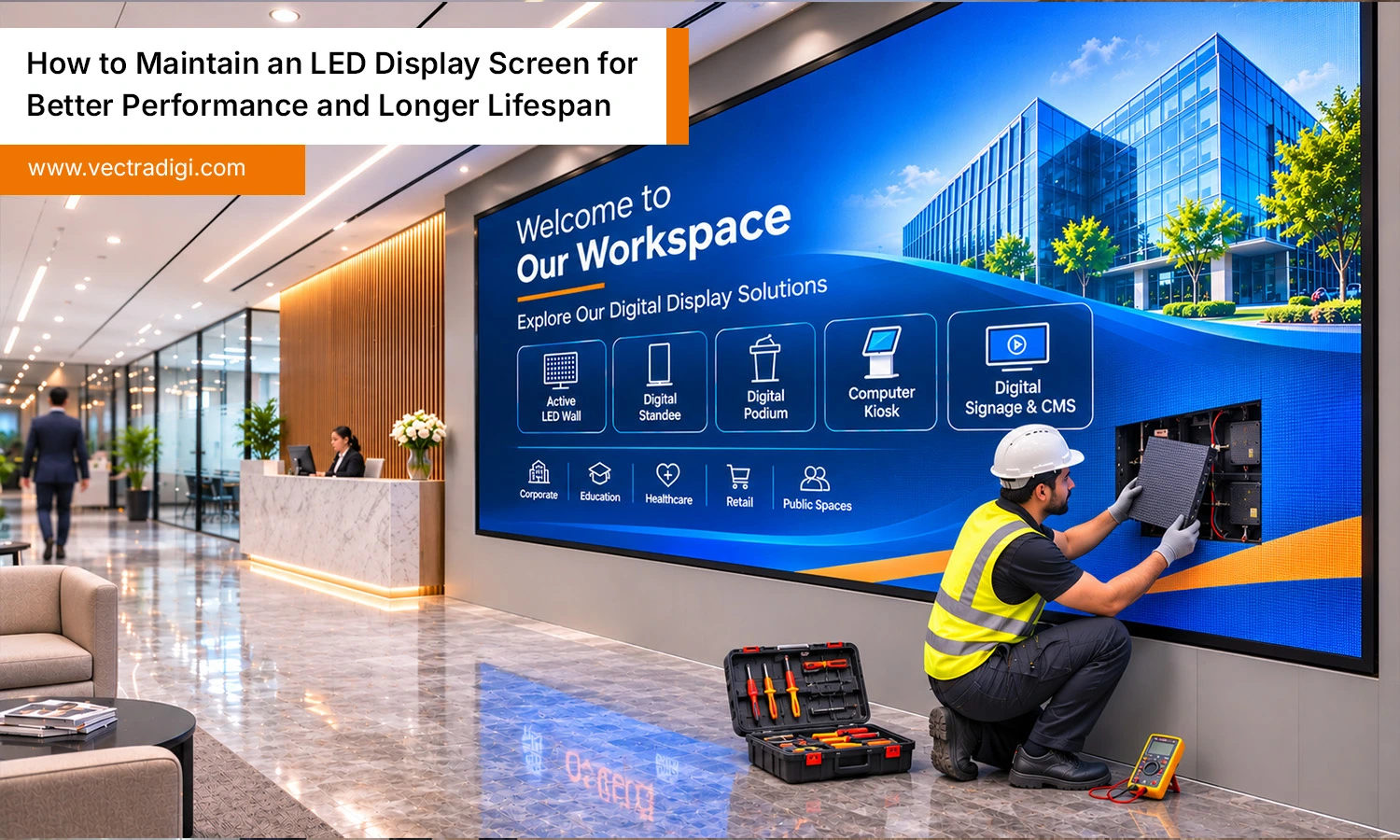
An LED screen is a long-term investment, and like any piece of hardware that runs for hours every day, it needs regular care. Whether it sits on a busy highway, inside a shopping mall, or behind a church stage, dust, heat, moisture, and power fluctuations slowly take their toll. Most failures are not sudden; they build up over months of small neglect. The good news is that a simple, consistent maintenance routine can add years to the life of an active LED display screen and keep its colours sharp and even. This guide details each stage of the entire procedure clearly.
Also Read: 15 Essential Questions to Ask Before Buying an Active LED Wall
Why Regular Maintenance Matters
Every LED cabinet is made up of thousands of tiny diodes, driver chips, power supplies and receiving cards working together. When one part runs hot or collects dust, the whole system works harder. Eventually, these issues cause pixel failures, inconsistent brightness, screen flickering, and colour distortion, reducing the overall visual quality of displayed content. A neglected screen also uses more power, because clogged vents and dirty fans force components to run at higher temperatures.
Regular maintenance helps you catch small faults before they turn into expensive module replacements. For businesses that rely on an active LED display screen for advertising or information, downtime also means lost visibility and lost revenue. Preventive maintenance generally costs less than fixing problems.
1. Clean the Screen the Right Way
Dust is the most common enemy. For indoor screens, cleaning every one to two months is usually enough, while outdoor screens near roads or construction sites may need attention every few weeks.
- Always switch off and unplug the screen before cleaning.
- Gently remove dust using a soft brush or compressed air, including areas around module edges and narrow gaps.
- For stubborn marks, use a microfibre cloth lightly dampened with plain water or an electronics-safe cleaner. Never pour or spray cleaning solutions onto the screen directly.
- Avoid alcohol or ammonia-based cleaners, abrasive pads and pressure washers. They can damage the surface mask, loosen the glue around the LEDs, or force water inside.
- Wipe gently in one direction without pressing on the diodes.
Don’t forget the back of the cabinet. Dust on the rear side, fans and air filters matters just as much as dust on the front.
2. Control Heat and Ventilation
Heat shortens the lifespan of LEDs and power supplies faster than almost anything else. Check that cooling fans spin freely and that vents are not blocked by posters, boxes, leaves or bird nests. Clean or replace air filters as part of your routine.
For indoor installations, keep the room temperature within the recommended range and avoid mounting the screen above heaters or in closed spaces with no airflow. Outdoor cabinets in hot climates need regular checks of air conditioners or heat exchangers, especially before summer. If any part of your active LED display screen feels unusually warm to the touch, investigate before it causes a failure.
3. Protect Against Moisture and Weather
Water and electronics never mix well. Even screens with a high IP rating can develop leaks as seals age. After heavy rain or storms, inspect outdoor screens for water entry, rust on screws and brackets, or condensation inside the cabinets. Check rubber gaskets and silicone seals at least twice a year and replace any that have cracked.
In humid regions, run the screen for a few hours regularly instead of leaving it off for weeks, because the heat it generates helps drive out moisture. If an indoor screen has been switched off for a long period, power it up gradually at low brightness so any trapped humidity can escape safely.
4. Look After the Power Supply
Unstable power is a silent killer. Voltage spikes, sudden outages and poor earthing can damage power supplies, receiving cards and driver chips. Use a voltage stabiliser or UPS, and make sure the installation is properly grounded. Ask an electrician to check cables, connectors and distribution boards from time to time for loose or burnt contacts.
Follow the right sequence too. Switch on the control system first and then the screen; when shutting down, turn off the screen before the controller. This simple habit protects your active LED display screen from current surges and reduces wear on the electronics.
5. Manage Brightness and Running Hours
Running an LED wall at full brightness all day is like driving a car at top speed everywhere. It wears out the diodes faster and causes uneven ageing. Most control systems support automatic brightness adjustment with a light sensor, so the screen dims at night and brightens in direct sunlight.
Avoid displaying static images, pure white backgrounds or the same logo for long hours, as this makes some pixels age faster than others. If the screen does not need to run 24 hours, schedule rest periods. Giving an active LED display screen a few hours off each day can noticeably extend its working life.
6. Keep Software and Settings Updated
Hardware gets most of the attention, but the control software matters too. Update the controller firmware and playback software when updates are released, since they often fix bugs and improve stability. Run periodic colour and brightness calibration so that modules replaced at different times still blend in evenly.
Back up your configuration files, including the screen layout and calibration data, so you can restore settings quickly after a fault. Keep the control computer clean, protected from viruses and free of unnecessary programs that could crash your playlist during a busy hour.
7. Schedule Inspections and Professional Servicing
A quick monthly visual check can save you a lot of trouble. Look for dead pixels, dark lines, flickering modules, colour patches, loose cables and damaged mounting hardware. Keep a simple logbook with the date, the issue found and the action taken; patterns in that record often reveal a deeper problem.
Keep a small stock of spare modules, power supplies and receiving cards from the same production batch so replacements match in colour. At least once or twice a year, have a trained technician inspect the structure, electrical system and internal components. Professional servicing keeps your active LED display screen safe, stable and ready for whatever content you play on it.
Common Mistakes to Avoid
- Cleaning the panel while it is switched on
- Using household glass cleaners or dripping wet cloths
- Ignoring one dead module until neighbouring ones fail
- Blocking the vents behind the screen
- Mixing spare modules from a different batch
- Letting untrained staff open the cabinets
Conclusion
Maintaining an LED screen is not complicated, but it does need consistency. Clean it gently, keep it cool and dry, protect the power supply, control brightness, and get it checked by professionals on a regular schedule. These habits keep your visuals bright, your running costs low, and your screen working for many years. If you need a dependable partner, Vectradigi Technologies is here to help. We manufacture high-quality LED displays and offer complete installation, maintenance and repair services, so every active LED display screen you own keeps performing at its best while you focus on your content and your customers.
Spotted dead pixels or flickering? Book a professional inspection today.
Frequently Asked Questions
Q1. How frequently should my shop’s LED display undergo routine cleaning?
Ans: Indoor screens usually need gentle cleaning every one to two months. Outdoor screens near dusty roads may need it every few weeks. Always switch off the power before you begin.
Q2. Is it safe to clean my LED wall using ordinary glass-cleaning products?
Ans: Avoid them. Many glass-cleaning products contain alcohol or ammonia, which may harm protective coatings and weaken the adhesive surrounding individual LEDs. Use a dry microfibre cloth or an electronics-safe cleaner instead.
Q3. Why are some pixels on my screen not lighting up anymore?
Ans: Dead pixels often come from a faulty LED, damaged driver chip, loose connection or moisture. A trained technician can repair or replace the affected module without changing the whole screen.
Q4. How long does an active LED display screen last with proper care?
Ans: With regular cleaning, stable power and sensible brightness settings, most quality LED screens are rated for 80,000 to 100,000 hours. That can mean ten years or more of reliable use.

