
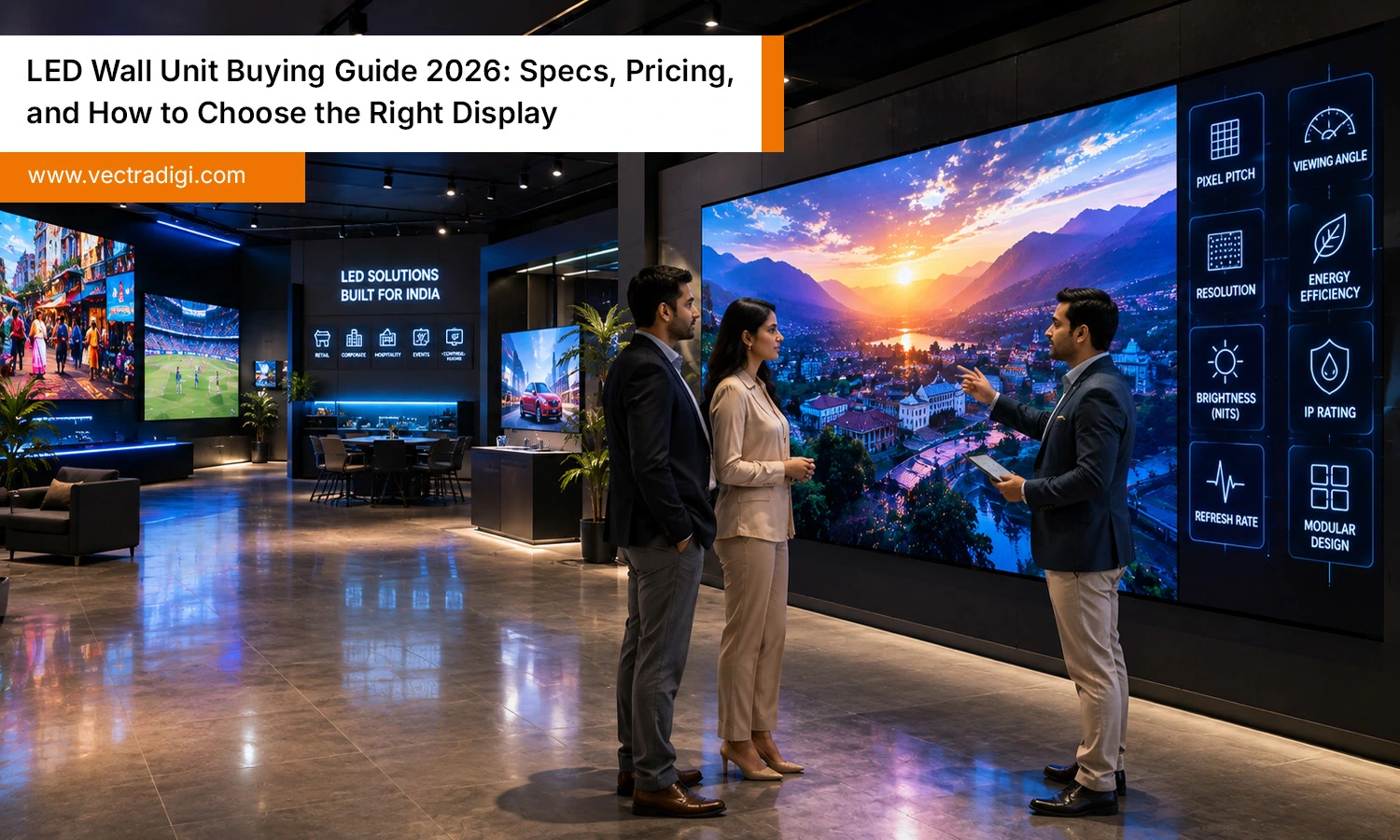
If you’re comparing quotes for an LED wall unit right now, you already know the hard part isn’t finding a supplier — it’s knowing which specifications are worth paying for and which ones are just marketing noise. We’ve helped businesses across retail, corporate, hospitality, and event venues specify and install LED walls, and the same pattern shows up every time: buyers overpay for specs they don’t need and underspend on the ones that actually determine image quality and lifespan. This guide explains the key factors to review before making a purchase, outlines a practical budget, highlights common costly mistakes, and answers the questions buyers frequently ask before deciding.
Table of Contents
Also Read: What Makes a Reliable LED Display Company? Key Factors to Consider
Why the Right LED Wall Unit Choice Matters
An LED wall is a 5–10 year infrastructure investment, not a one-time purchase. Get the specification wrong and you’re either overpaying for brightness or resolution your space doesn’t need, or you’re stuck with a screen that looks washed out, has visible pixels up close, or breaks down faster than it should.
Getting it right delivers:
- Clearer, consistent visuals that capture attention while presenting your brand professionally.
- Lower total cost of ownership through reduced power draw and fewer service calls.
- Longer operational lifespan, often 80,000–100,000+ hours when properly specified and maintained.
- Better return on investment, since a display matched to its environment doesn’t need early replacement.
- A customized display designed around your application, surroundings, needs, and desired performance.
The LED Wall Specifications That Actually Determine Performance
1. Pixel Pitch
Pixel pitch measures the millimeter spacing from the center of one LED pixel to its neighboring pixel. Lower pixel pitches, such as P0.9–P1.8, provide greater pixel density and sharper close-range viewing, making them suitable for boardrooms, retail counters, and control rooms. Larger pitches (P3–P10) are the right call for stadiums, building facades, and any screen viewed from several meters away. A simple rule of thumb: expected minimum viewing distance in meters is roughly equal to the pixel pitch in millimeters.
2. Screen Resolution
Resolution is a function of pixel pitch and physical screen size — the smaller the pitch, the higher the resolution for a given screen size. Higher resolution matters most when you’re displaying fine text, data dashboards, or broadcast-quality video; it matters far less for simple brand messaging viewed from a distance.
3. Brightness (Nits)
Brightness is measured in nits and needs to match ambient light, not just the room type. Indoor displays typically perform well between 600–1,500 nits. Outdoor units generally need 4,000–6,000+ nits to remain readable in direct sunlight. Excessive brightness increases power consumption and generates unnecessary heat, potentially reducing LED lifespan when your environment requires lower brightness.
4. Refresh Rate
Refresh rate indicates how many times the display refreshes images each second. A 1,920Hz refresh rate generally suits static signage. For displays used in broadcasts, live streams, concerts, or any camera-recorded event, a refresh rate of 3,840Hz or above is recommended to minimize flickering and visible banding on screen.
5. Viewing Distance and Viewing Angle
These two work together. Choosing an appropriate pixel pitch starts with understanding the expected viewing distance. Viewing angle determines how far off-center people can stand and still see accurate color and brightness — critical in open floor plans, wide lobbies, and stadiums where the audience isn’t seated directly in front of the screen.
6. Cabinet Quality
The cabinet forms the main framework that supports the LED modules. Die-cast aluminum cabinets are lighter, maintain their shape more effectively, and are easier to maintain than lower-cost steel or plastic options. Their build quality is important because cabinets that lose alignment can create noticeable gaps between panels over time.
7. IP Rating
The IP (Ingress Protection) rating indicates how well a display is protected against dust and moisture. For outdoor use, a minimum rating of IP65 on the front and IP54 on the rear is generally recommended. An IP30 to IP40 rating is generally sufficient for most indoor LED display installations. Paying extra for a higher outdoor-grade protection level usually adds unnecessary cost without providing additional benefits indoors.
8. Energy Efficiency
Power consumption can differ considerably between manufacturers, even when their displays deliver the same level of brightness. Since an LED wall often runs 10+ hours a day, a difference of even 20–30% in power draws compounds into a meaningful cost over its lifetime — ask for Check actual watts per square meter instead of relying on efficiency claims.
9. Maintenance Access
Front-service and rear-service are the two main designs. Front-service panels let technicians repair individual modules from the front without needing rear access — essential when a display is mounted flush against a wall. Rear-service requires a service corridor behind the display. Selecting an unsuitable option for your installation can make a quick repair take several hours to complete.
10. Color Accuracy and Calibration
Choose displays offering factory color calibration with documented color gamut coverage, typically measured using recognized NTSC or DCI-P3 color standards. Uncalibrated panels can show visible color drift between modules — a common giveaway of a lower-quality manufacturer.
11. Build Quality and Durability
Ask about the LED chip manufacturer, not just the display assembler. Reputable chip brands publish tested lifespan and failure-rate data; unbranded or unnamed chips are a red flag regardless of how the finished panel looks in a showroom.
12. Control System Compatibility
Your control system handles content scheduling, brightness adjustment, and remote diagnostics. Confirm it supports the video processors and content software you already use, and ask specifically whether the system supports future firmware updates and third-party integrations — this is what keeps a display flexible as your needs change.
What Does an LED Wall Unit Actually Cost?
Transactional buyers want real numbers, so here’s a general framework (exact pricing always depends on pixel pitch, brightness, and installation complexity — request a formal quote for your specific space):
| Factor | Lower Cost Driver | Higher Cost Driver |
|---|---|---|
| Pixel Pitch | Larger pitch (P4+) | Fine pitch (P1.2 and below) |
| Environment | Indoor | Outdoor (weatherproofing adds cost) |
| Brightness | Standard indoor (under 1,500 nits) | High-brightness outdoor (4,000+ nits) |
| Installation | Flat wall-mount | Curved, flown, or structural installs |
| Control System | Basic scheduling software | Full AV integration with existing infrastructure |
Beyond the panel price itself, budget for structural mounting, installation labor, control system licensing, and a maintenance plan. Buyers who only compare the per-panel price and skip these line items are the ones most likely to be surprised by the total project cost later.
How to Choose the Right LED Wall Unit: A Step-by-Step Process
- Identify the installation location. Indoor and outdoor environments demand different brightness, IP ratings, and structural designs — this decision filters out most unsuitable products immediately.
- Define the primary purpose. Advertising, presentations, live broadcast, wayfinding, and entertainment each favor different refresh rates, resolutions, and color performance. Start by Identifying Your Primary Display Needs
- Selecting the Ideal Screen Size. Match screen dimensions and pixel pitch to your minimum and maximum viewing distances, not just the available wall space.
- Set a realistic total budget. Include installation, control software, training, and ongoing maintenance — not just the display cost.
- Vet the manufacturer and installer. Ask for warranty terms in writing, request references from similar past installations, and confirm local service and support availability before signing.
Common Mistakes That Cost Buyers Money
- Buying on price alone. The cheapest quote usually reflects a cheaper LED chip, thinner cabinet, or unlisted warranty gaps that surface within the first year.
- Ignoring viewing distance. Buying a fine pixel pitch for a screen viewed from 20 meters away is wasted; buying too coarse a pitch for a close-viewing space ruins image quality.
- Mismatching brightness to environment. Under-bright outdoor screens are unreadable in daylight; over-bright indoor screens are uncomfortable and shorten component life.
- Overlooking maintenance access. If repairing a single LED module requires removing the entire display, maintenance takes longer and labor costs are likely to increase over time.
- Skipping warranty and support review. A generic “1-year warranty” can hide exclusions on labor, freight, or specific components — always get the full terms before purchase.
Conclusion
Choosing the right LED wall unit requires more than comparing prices or technical specifications. Factors such as pixel pitch, brightness, refresh rate, cabinet quality, maintenance access, and installation environment all influence long-term performance and value. Taking the time to evaluate these elements helps avoid costly mistakes while ensuring the display delivers excellent visual quality for years. Whether the goal is advertising, presentations, retail, or large-scale events, selecting a solution that matches your requirements leads to better results and a stronger return on investment. A well-planned purchase today provides reliable performance and lasting business value.
Ready to invest in the perfect LED wall unit? Contact Vectradigi for expert guidance, premium LED display solutions, competitive pricing, and professional installation tailored to your business needs.
Frequently Asked Questions
Q1. What is the best pixel pitch for an LED wall unit?
Ans: Selecting the right pixel pitch starts with the closest viewing distance. As a general rule, the pixel pitch in millimeters should be similar to the minimum viewing distance measured in meters. Close-range spaces like retail counters or control rooms need P0.9–P1.8; mid-range indoor spaces like lobbies or conference rooms typically use P1.8–P3; large venues viewed from several meters away can use P4 or larger.
Q2. How much does an LED wall unit cost?
Ans: Pricing for an LED display varies according to factors like pixel pitch, brightness, indoor or outdoor suitability, and the complexity of the installation. Fine-pitch and high-brightness outdoor units cost significantly more per square meter than standard indoor displays. A full project budget should also include mounting, control systems, and installation labor, not just the panel price — request an itemized quote for an accurate figure.
Q3. How long does an LED wall unit last?
Ans: A quality LED wall unit can last 80,000–100,000+ operating hours — roughly 10+ years at typical daily usage — when it’s correctly specified for its environment, properly installed, and maintained on a regular schedule.
Q4. Is an indoor or outdoor LED wall unit better?
Ans: Neither option is inherently superior, as each is designed to perform best under specific conditions. Built for indoor settings, these displays feature finer pixel pitches and moderate brightness levels to deliver sharp, detailed visuals for close-range viewing. Outdoor units are built with weatherproof cabinets, higher IP ratings, and much higher brightness to stay visible in direct sunlight.
5. What brightness level do I need for an LED wall unit?
Ans: Indoor displays generally perform well between 600 and 1,500 nits, depending on ambient lighting. Outdoor displays typically need 4,000 to 6,000+ nits to remain clearly visible in direct sunlight. Choosing brightness above what your environment requires increases power costs and heat without adding visible benefit.
Q6. How does pixel pitch differ from screen resolution?
Ans: Pixel pitch is the physical spacing between LED pixels, measured in millimeters. Resolution is the total number of pixels across the screen, which is a direct result of the pixel pitch combined with the physical screen size. Smaller pixel pitch means more pixels — and therefore higher resolution — for the same screen size.
Q7. Can an LED wall unit be repaired if a panel fails?
Ans: Yes. Premium LED walls use a modular construction, making it possible to repair the display by replacing only the affected module. How quickly this happens depends on whether the display has front or rear maintenance access — front-access panels allow repairs without removing the unit from the wall.
Q8. What warranty should I expect on an LED wall unit?
Ans: Most established manufacturers provide a 2–3 year warranty on key components. However, coverage for labor, shipping, and parts such as power supplies may differ depending on the warranty terms. Always request the full written warranty terms, including what’s excluded, before finalizing a purchase.

