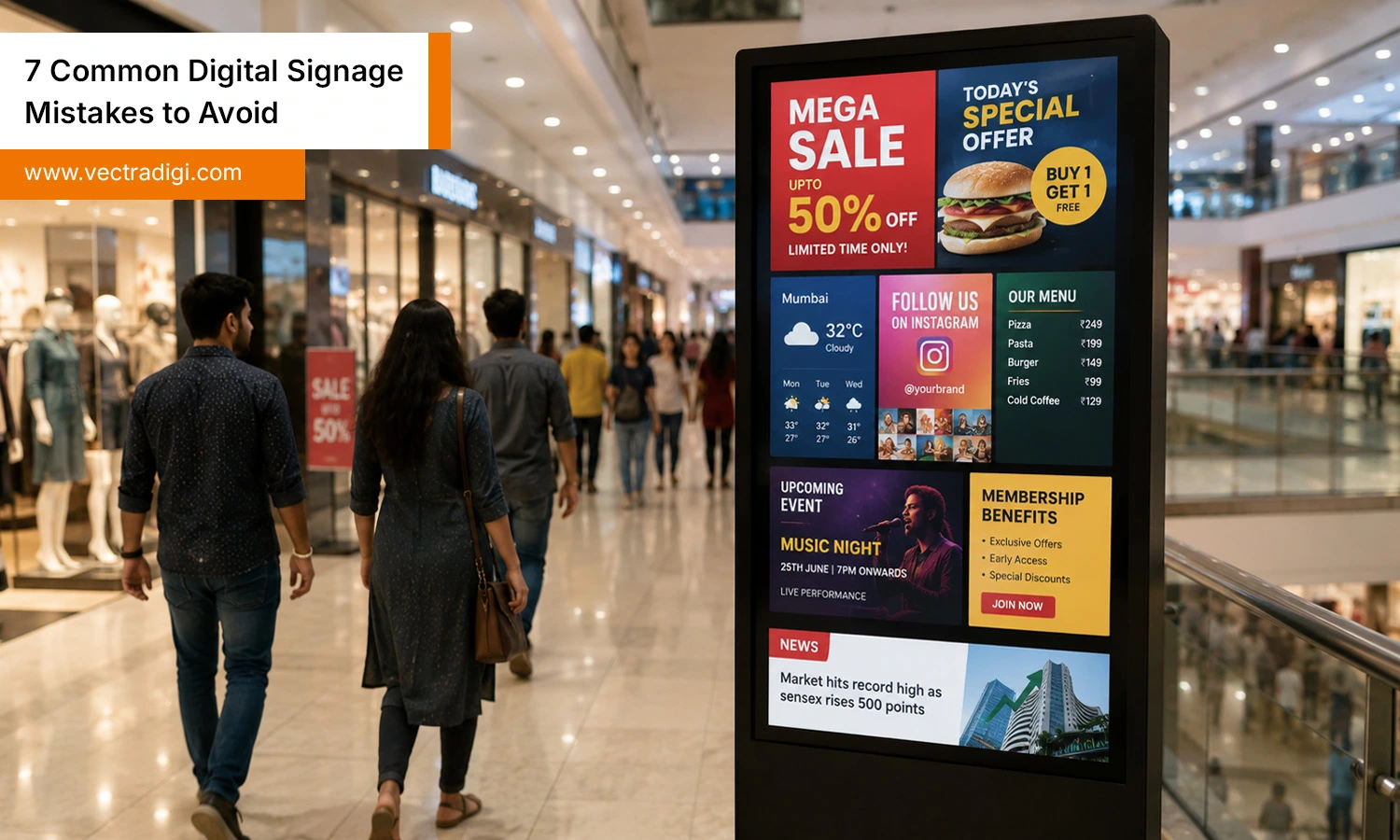
Indian shopping mall with a digital signage screen displaying multiple promotions, menus, and updates.
Walk into any mall, airport, or restaurant and you’ll spot a screen flashing something at you. Digital signage has become so common that businesses assume just having a screen is enough to grab attention. It isn’t. Companies spend thousands on hardware, install it near the entrance, and then wonder months later why nobody’s looking at it. The truth is, digital signage mistakes are rarely about the technology. The problem is almost always in how screens are used — what’s shown, where they’re placed, and whether anyone’s tracking the response. In this blog, we’ll cover the most common digital signage mistakes businesses make, why they happen, and the fixes that actually work.
Here’s something worth remembering: a screen is just a screen until you give it a purpose. Businesses that treat signage as a one-time purchase, rather than an ongoing part of their marketing or communication strategy, tend to see the weakest results. On the flip side, companies that plan their content, update it regularly, and track how people respond usually get a real return on what they spent.
Digital signage requires regular updates and ongoing management to stay effective. It behaves more like a living channel — closer to a website or social media page than a poster. Once you look at it that way, most of the mistakes below start to make a lot more sense.
Common Digital Signage Mistakes to Watch For
Mistake 1: Overloading Screens with Content
This is perhaps the most commonly used option today. Business owners get excited about all the things they can show such as promotions, announcements, menus, social feeds, weather, news and end up cramming everything onto a single screen at once. The result is visual noise. People glance at a cluttered screen for about two seconds before their eyes move on.
Think about a coffee shop that tries to squeeze its full menu, three promotions, a loyalty program pitch, and a rotating Instagram feed onto one small display near the counter. Customers can’t process all of that in the few seconds they’re standing there. Nothing sticks.
The fix: Keep each screen focused on one clear message at a time. If you have a lot to say, let content rotate every 8-10 seconds instead of trying to say it all at once.
Mistake 2: Ignoring Your Audience and Location
Signage content that works in a corporate lobby won’t work the same way in a retail store, and content built for a quick-service restaurant won’t land the same way in a hospital waiting room. Yet plenty of businesses use the same generic templates everywhere, regardless of who’s actually walking past the screen.
A gym that plays high-energy promotional loops with loud colors might work great near the entrance, but the same content near the check-in desk, where people are often just trying to scan a membership card, can feel like overkill.
The fix: Match your content’s tone, pacing, and messaging to where the screen sits and who’s likely to see it. A screen near a checkout counter needs different content than one in a waiting area.
Mistake 3: Letting Content Go Stale
Nothing kills trust in signage faster than outdated information. A “Summer Sale” banner still running in October, or a promotion for an event that happened three weeks ago, tells customers one thing loud and clear: nobody’s paying attention to this screen.
This happens more often than businesses like to admit, usually because updating content feels like a hassle, especially if it involves calling an IT vendor or digging through outdated software. Over time, the screen just gets ignored by staff and customers alike.
The fix: Set a simple content calendar and revisit it weekly, even if nothing major has changed. Modern signage software makes updates quick, often just a few clicks, so there’s rarely a good excuse for stale content anymore.
Mistake 4: Poor Screen Placement
You can have the best content in the world, but if the screen is mounted too high, tucked in a dim corner, or angled awkwardly, none of it matters. Placement is one of those things that seems obvious in theory but gets overlooked constantly in practice, usually because businesses install screens wherever there happens to be an open wall or power outlet.
Picture a screen placed directly above a doorway. Technically, it’s visible. Practically, almost nobody looks up while walking through a door.
The fix: Install screens at eye level, along natural walking paths, and in well-lit areas. Before mounting anything permanently, stand where your customers stand and check what you’d actually see.
Mistake 5: Inconsistent Branding
Digital signage is often treated as separate from a company’s overall branding, which leads to mismatched fonts, random color schemes, and messaging that feels disconnected from the website or in-store materials. Customers notice these inconsistencies, even if only on a subconscious level, and it can make a business feel less polished than it actually is.
The fix: Use the same color palette, fonts, and tone across your signage as you do everywhere else. Treat your screens as an extension of your brand, not a separate marketing channel with its own rules.
Mistake 6: Skipping Performance Tracking
A surprising number of businesses install signage and never check whether it’s actually working. They don’t track foot traffic near the screen, engagement with QR codes, or whether specific promotions led to more sales. Without that data, it’s basically impossible to know what’s worth keeping and what needs to change.
The fix: Even basic tracking like adding a unique promo code shown only on signage, or watching sales spikes during specific campaigns gives you something concrete to work with. Over time, this data helps you double down on what’s working and drop what isn’t.
Mistake 7: Buying Hardware Without a Content Plan
This one happens more than people expect. A business buys a great screen, gets it installed, and only then starts thinking about what to actually put on it. Content ends up being an afterthought, thrown together at the last minute, which usually shows.
The fix: Plan your content strategy before you even shop for hardware. Know what you want to say, how often it’ll change, and who’s responsible for updating it. The screen is just the delivery method, the plan is what actually does the work.
How to Avoid These Mistakes: Quick Checklist
If you want a fast way to audit your current signage setup, run through this list:
Keep each screen focused on one message at a time
Match content to your specific audience and location
Update content weekly, even for minor changes
Place screens at eye level in well-trafficked, well-lit spots
Track engagement or sales tied to your signage campaigns
Build a content plan before investing in more hardware
Maintain a consistent brand identity across your website and marketing channels.
Going through this checklist once a quarter can catch small issues before they turn into a screen nobody looks at anymore.
Conclusion
Digital signage works incredibly well when it’s treated as an ongoing strategy rather than a one-time install. Most of the mistakes covered here aren’t about bad technology but they’re about missing a plan, ignoring the audience, or letting content sit untouched for too long. The good news is that every one of these mistakes is fixable, often without spending extra money on new equipment. If your screens haven’t been pulling their weight lately, start small. Pick one mistake from this list, fix it this week, and see what changes. More often than not, it’s the small, consistent adjustments that make the biggest difference to how your signage actually performs for your business.
Ready to make your digital screens more effective? At Vectradigi, we help brands build digital signage strategies that grab attention and drive real results. Reach out to our team today.
FAQs
Q1. What is the biggest mistake in digital signage?
Ans: Overloading screens with too much content at once is one of the most common and damaging mistakes. It overwhelms viewers and causes them to tune out entirely, rather than absorbing any single message.
Q2. How frequently should digital signage content be refreshed?
Ans: Ideally, content should be reviewed weekly, even if changes are minor. Stale or outdated content is one of the fastest ways to lose viewer trust and engagement.
Q3. Does digital signage placement really affect engagement?
Ans: Yes, significantly. Screens placed at eye level, along natural walking paths, and in well-lit areas consistently perform better than those tucked away in corners or mounted too high to notice.