Digital signage usually looks effortless from the outside, but anyone who has tried to keep those screens updated knows it doesn’t stay effortless for long. One screen shows the right thing, another shows something from last week, and another somehow slipped into its own world entirely. It’s strange how quickly things drift when there’s no proper system holding everything together. Most teams try to fix it with patches, quick uploads, rushed edits, whatever works in the moment, but that only lasts until the next update is due. Eventually, it becomes obvious the screens aren’t the issue at all. The missing backbone is a Content Management System.
Table of Contents
Why a CMS Matters: The Real Problems It Solves
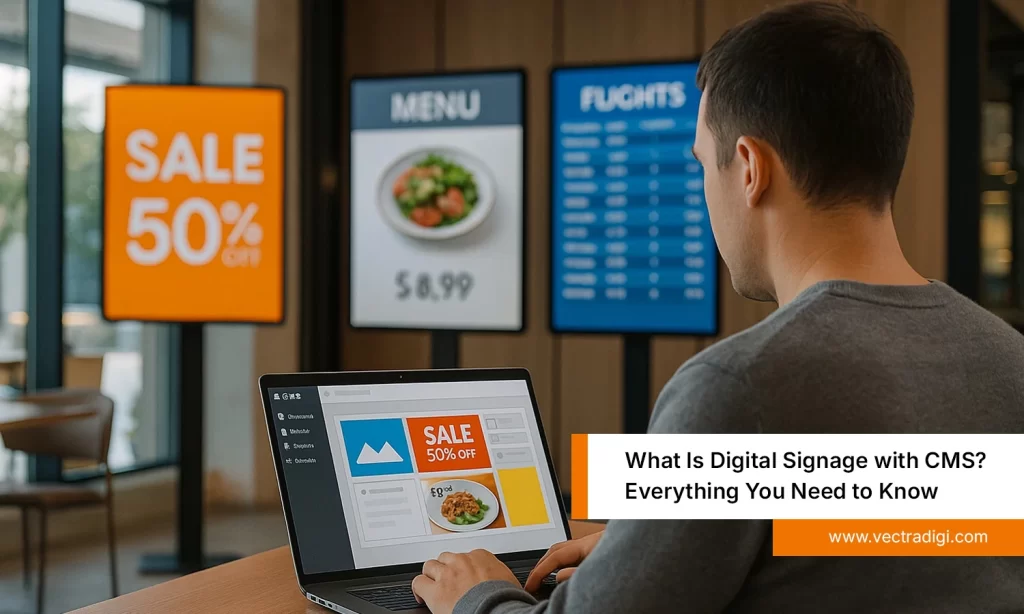
Digital signage seems simple until the small problems start piling up. A screen shows an offer that ended days ago, another stops updating altogether, and someone is stuck chasing files that were supposed to be sent earlier. In a lot of places, updates still depend on pendrives, forwarded emails, or someone remembering to finish a task during a busy shift. All it takes is one outdated slide to make the whole system feel a bit unreliable.
A CMS steps in and replaces those scattered, manual routines with something steadier. Content stays organised, timing doesn’t slip, and every screen stays tied to one place instead of a dozen people trying to coordinate on the fly. Things simply start running with fewer surprises.
Typical issues a CMS keeps under control:
- Confused handovers between teams.
- Mismatched displays across locations.
- Last-minute rushes to fix small mistakes.
- Old content is lingering longer than it should.
- Updates are getting delayed because no one was near the screen.
Core Features That Make a CMS the Backbone of Digital Signage
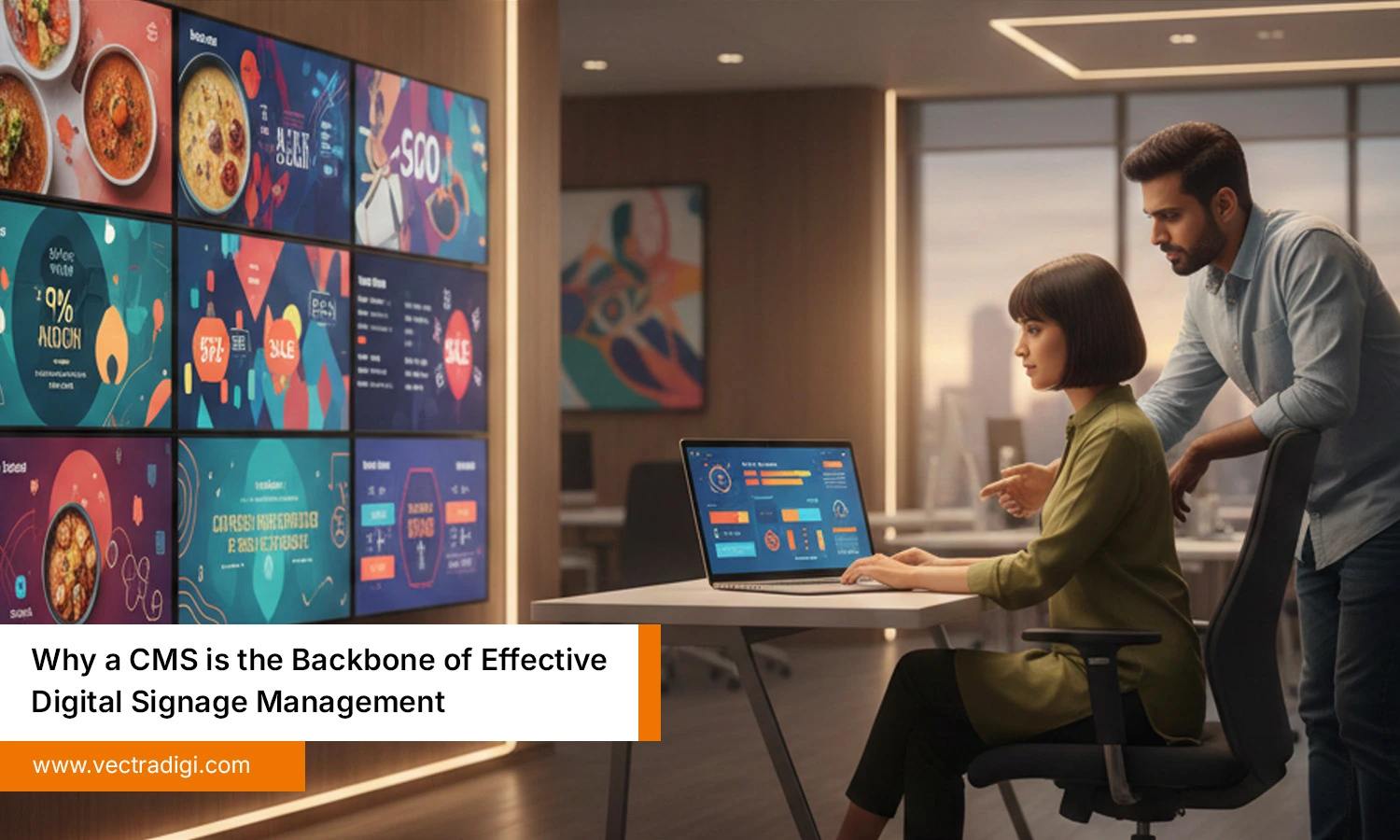
Every business eventually discovers that managing digital screens isn’t just about uploading a video and hoping it runs smoothly. A good CMS takes over the heavy lifting quietly, through features that sound simple on paper but make a massive difference in day-to-day operations.
1. Real-Time Content Updates
Content on screens goes outdated quicker than most people expect an offer ends, a price changes, or a small update suddenly becomes urgent. With a CMS, these fixes don’t turn into a big task. A quick adjustment on the dashboard and the screens react almost immediately, without anyone running around or swapping devices. It simply keeps things current when they need to be.
“Real-time updates stop screens from falling behind the business.”
2. User-Friendly Dashboard
Most teams are already juggling enough, so learning a complicated system usually isn’t an option. A simple, clear dashboard makes digital signage feel less like software work and more like an everyday routine. Drag a file in, shuffle a playlist, check which screens are active, it’s all laid out in a way that feels familiar, even for people who rarely deal with tech.
“A good dashboard should feel easy before it feels impressive.”
3. Cloud-Based Access
Digital screens don’t stay in one place anymore, and businesses often end up managing displays spread across different locations. Cloud access takes away the usual travel and coordination, letting updates happen from wherever work is happening that day, office desk, home sofa, or even an airport lounge. As long as there’s a stable connection, every screen stays within easy reach and under control.
“Cloud access turns distance into a non-issue for signage management.”
4. Flexible Content Scheduling
Content rarely fits a one-size-fits-all timeline. Morning menus switch out by midday, certain promotions only make sense on weekends, and some announcements matter for just a few hours. A CMS keeps all of that organised with a scheduler that quietly handles the timing once it’s set. No constant checking, no manual swaps, just content showing up when it actually makes sense.
“Good scheduling makes screens feel alive instead of repetitive.”
5. Multi-User Collaboration
Digital signage usually involves several teams: design, marketing, operations, and whoever handles approvals. Without a proper system, it’s easy for tasks to overlap or get mixed up. A CMS sorts this out by giving each person the access they need, nothing more. Designers upload, managers double-check, marketing sets the timing, and everything moves smoothly without anyone getting in the way.
“Collaboration works best when everyone has their own space to do it.”
Also Read: Top 5 Real-World Applications of CMS for Effective Digital Signage
How a CMS Helps Different Industries
Digital screens show up everywhere now, and each industry ends up using them for completely different problems. In retail, promotions change so quickly that older offers slip through all the time, so a CMS basically saves the staff from chasing displays every morning. Hotels use screens for simple things, such as check-in notes, event lists, and small directions that help guests find their way without stopping someone at the desk. Restaurants rely on it too because menus shift throughout the day, and no one has time to manually switch things between rush hours.
Schools and colleges push out last-minute announcements all the time, and having a CMS means those updates don’t get buried or delayed. Hospitals need clear guidance more than anything else, especially when people are already stressed or in a hurry. In all these places, the CMS sits in the background, keeping the information steady and current so teams aren’t constantly fixing screens or sending someone to update things by hand.
Conclusion
After looking at how different teams struggle to keep their screens current, the real solution becomes hard to ignore. The issue isn’t the displays or the content itself, but the lack of a steady system to keep everything in place. A CMS fills that gap by holding the whole network together, making updates feel routine instead of rushed. It keeps information moving on time, cuts down the back-and-forth, and stops small mistakes from turning into bigger problems. Across industries, the pattern is the same once the CMS takes over, digital signage finally starts working the way everyone expected from the beginning.
If keeping screens in sync has turned into more work than it should be, Vectradigi’s CMS can bring things back under control and make updates feel far easier for every team involved.