
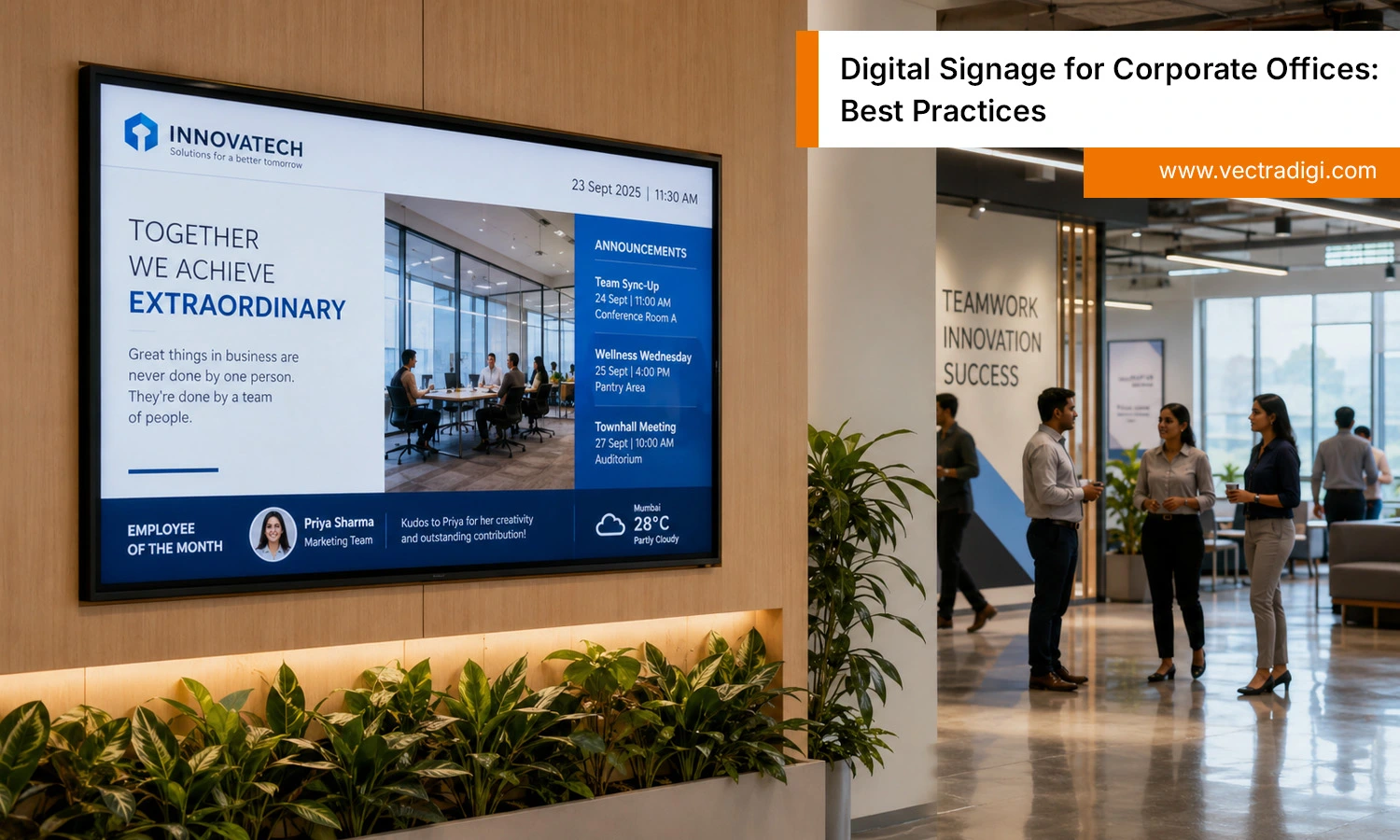
Walk into almost any modern office today, and you’ll notice something has changed. The paper memos taped to the break room fridge are gone. The cluttered bulletin board near the elevator has disappeared too. In their place, you’ll usually find a sleek screen doing the job flyers and emails used to handle, often better. That’s digital signage for corporate offices in action, a practical tool for keeping teams informed. But buying a screen isn’t the same as using it well. Plenty of offices install displays and wonder why nobody looks at them. Real results need a strategy behind the screen. In this blog, we’ll walk through the best practices, common mistakes, and practical tips that make office signage actually work.
Also Read: Digital Signage Trends That Actually Work in 2026
Why Digital Signage Matters in Today’s Workplace
Offices don’t run the way they used to. Hybrid schedules mean half your team might be in the building on any given day, while the other half is dialing in from home. Open floor plans have replaced private offices, which sounds great for collaboration but makes it harder to grab someone’s attention for an announcement. And let’s be honest, most employees don’t read internal emails the moment they land, they pile up. This is where workplace digital signage earns its keep. A well-placed screen catches attention in a way an unopened email never will, delivering safety reminders, team shoutouts, and schedule changes right where people already are. Done thoughtfully, it also makes an office feel more alive and connected, giving employees visibility into what’s happening across departments instead of just their own corner of the building.
Here’s what digital signage does for a modern workplace:
- Cuts through email overload with passive, visual communication
- Keeps hybrid and in-office teams equally informed in real time
- Reinforces safety and compliance messaging where people actually see it
- Builds a stronger sense of connection across departments and floors
- Makes company culture and wins visible instead of buried in inboxes
Best Practices for Digital Signage in Corporate Offices
Getting signage right isn’t complicated, but it does require some intention. Here’s what actually works.
1. Define Clear Objectives Before You Deploy
Before a single screen goes up on the wall, get specific about what you want it to do. Is the goal to reduce email overload? Highlight company culture? Improve safety compliance? Guide visitors around the building? Each of these calls for a different content approach.
Too many companies skip this step. They install screens because a competitor has them, then scramble to fill the space with whatever content is on hand. The result feels random and disconnected. Start with a purpose, and everything else, from placement to content, becomes far easier to plan.
2. Choose the Right Screen Placement
Location matters more than most people realize. A lobby screen might greet visitors and reinforce your brand, while a break room screen can share more casual updates, like team milestones or upcoming social events. Elevator banks and hallways near meeting rooms are great for quick, glanceable information since people pass through but rarely stop.
Pay attention to practical details too. Screens should sit at eye level, away from harsh overhead lighting or windows that create glare. A gorgeous display that nobody can actually see clearly is just wasted potential.
3. Keep Content Fresh and Relevant
Here’s a mistake that trips up even well-intentioned teams: setting up a screen once and leaving the same content running for weeks. Employees stop noticing it almost immediately. This is sometimes called the wallpaper effect, and it’s the fastest way to kill engagement with your signage.
The fix is simple, though it takes some ongoing effort. Rotate a mix of content types regularly. Think birthday and work anniversary shoutouts, key performance updates, safety reminders, countdowns to company events, or even a local weather widget for offices with a lot of foot traffic. Good digital signage content ideas don’t need to be complicated. They just need to change often enough that people keep glancing up.
4. Prioritize Simplicity and Readability
There’s a rule signage designers swear by: if someone can’t understand your message within six seconds, it’s too complicated. People are walking past, not sitting down to read a paragraph. Use large fonts, high contrast between text and background, and stick to one main idea per screen.
Resist the urge to cram in extra information just because you have the space. A clean, simple screen with one clear message will always outperform a busy one packed with five competing updates. If you find yourself squinting at a preview before it goes live, your employees will too.
5. Use the Right Software and Integrations
The screen itself is only half the equation. The software running behind it determines how easily you can manage content day to day. Look for cloud-based digital signage software that lets you update displays remotely, without needing someone physically present at each screen.
Integrations make an even bigger difference. Connecting your signage to shared calendars, Slack or Teams channels, and HR systems means updates can happen automatically. A new hire announcement or an upcoming holiday closure doesn’t need someone manually typing it in. It just appears, pulled straight from systems you already use.
6. Segment Content by Location or Department
If your company has multiple offices, or even just multiple floors, resist the temptation to run identical content everywhere. A sales floor might benefit from live performance dashboards, while a shared lobby needs general company news instead. Localizing content this way makes it far more relevant to the people actually seeing it, which naturally boosts engagement.
For multi-location businesses, this matters even more. An office in one city might have a completely different set of announcements, weather conditions, or local events than another. Signage that reflects that context feels far more useful than a one-size-fits-all feed.
7. Measure Engagement and Iterate
Digital signage isn’t a set-it-and-forget-it project. Pay attention to what’s actually landing with employees. Informal feedback works well here: ask people during team meetings whether they’ve noticed recent updates or found them useful. If your platform offers basic analytics, even better. Track which content types get glanced at versus ignored.
Treat your signage strategy the same way you’d treat any other internal communication channel, as something that improves over time. What works in month one might feel stale by month six, and that’s completely normal. Small adjustments based on real feedback usually deliver better digital signage ROI than a perfect plan you never revisit.
Common Mistakes to Avoid
A few missteps show up again and again, even in well-run offices.
Overloading screens with too much text Cramming multiple messages onto one screen defeats the entire purpose of signage, which is quick, digestible information. Stick to one clear idea at a time.
Ignoring accessibility Low contrast colors or tiny fonts might look stylish, but they leave some employees unable to read the content comfortably. Design for everyone, not just the people sitting closest to the screen.
Letting content go stale Content that never changes, or that gets updated so rarely it feels stagnant, quickly trains people to stop looking altogether. Regular rotation is what keeps signage relevant.
Skipping employee input The people walking past these screens every day usually have good instincts about what they’d actually want to see. Leaving them out of the process means you’re guessing at relevance instead of knowing it.
Final Thoughts
Digital signage for corporate offices works best when you treat it as a communication tool, not decoration for an empty wall. Offices that get real value from their screens treat content strategy, placement, and software as part of a bigger picture, not afterthoughts. Getting the basics right, clear objectives, smart placement, fresh content, and simple design, is what separates signage people notice from screens that fade into background. If your setup feels like noise instead of a useful resource, it’s worth auditing against the practices covered here. Small changes make a real difference in how connected your team feels daily.
Ready to upgrade how your office communicates? Vectradigi helps corporate teams design, deploy, and manage digital signage that employees genuinely notice and engage with. Reach out today to get started.
Frequently Asked Questions
Q1: What is digital signage used for in a corporate office?
Ans: It’s typically used for internal announcements, safety alerts, event promotion, employee recognition, wayfinding, and sharing company updates in real time.
Q2: How often should office digital signage content be updated?
Ans: Ideally, content should rotate at least weekly, with time-sensitive updates like meetings or safety alerts pushed live as soon as they’re needed.
Q3: What size screen is best for office digital signage?
Ans: It depends on placement. Lobbies often benefit from larger displays (55 inches or more), while hallway or break room screens can work well at 32 to 43 inches.
Q4: Is digital signage worth the investment for small offices?
Ans: Yes, even small offices see value, especially for reducing email clutter and improving visibility of important updates, though the scale and number of screens should match the office size.