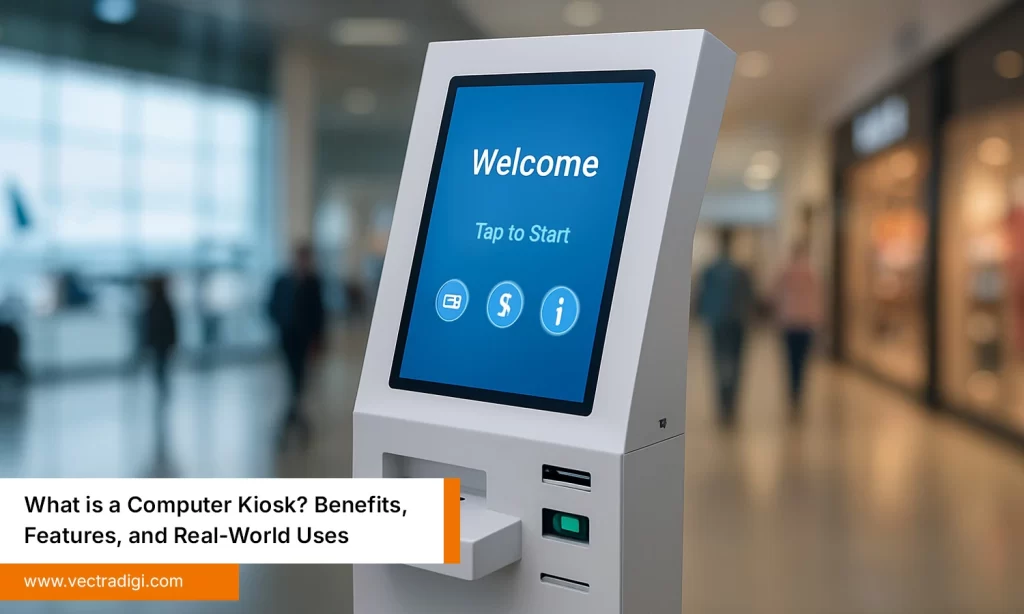
There’s something strangely common in places where people go to get basic things done, such as hospitals, banks, telecom stores, and ticket counters. Before anything even begins, there’s always a line. People wait, staring at the floor, checking messages, shifting forward a little, then stopping again. Nobody says much, but the frustration sits there quietly. Staff try to manage, but it’s clearly too much work for too few hands. And usually, somewhere off to the side, there’s a computer kiosk meant to make everything easier. It just sits there, barely noticed. It’s hard not to wonder why simple tasks still take so long.
Table of Contents
The Shift Toward Self-Service Technology
Things have changed pretty fast in the last few years, and people don’t really have the patience anymore for slow counters or repetitive forms. Everyone wants things done quickly, without all the unnecessary steps. After the pandemic, it became pretty clear that digital automation isn’t just some fancy upgrade, it’s something businesses genuinely need to keep up with. That’s why self-service systems have started appearing almost everywhere: airports, hospitals, banks, shops, hotels, government offices, and even building receptions. People want control and speed, and the businesses that understand that are the ones moving ahead.
Today, customers look for:
- Quick, no-nonsense service.
- Contactless steps that don’t go wrong.
- Doing things themselves instead of waiting.
- Information that’s actually updated.
Top 5 Reasons to Choose Computer Kiosk
Reason 1: Boosts Customer Experience & Reduces Waiting Time
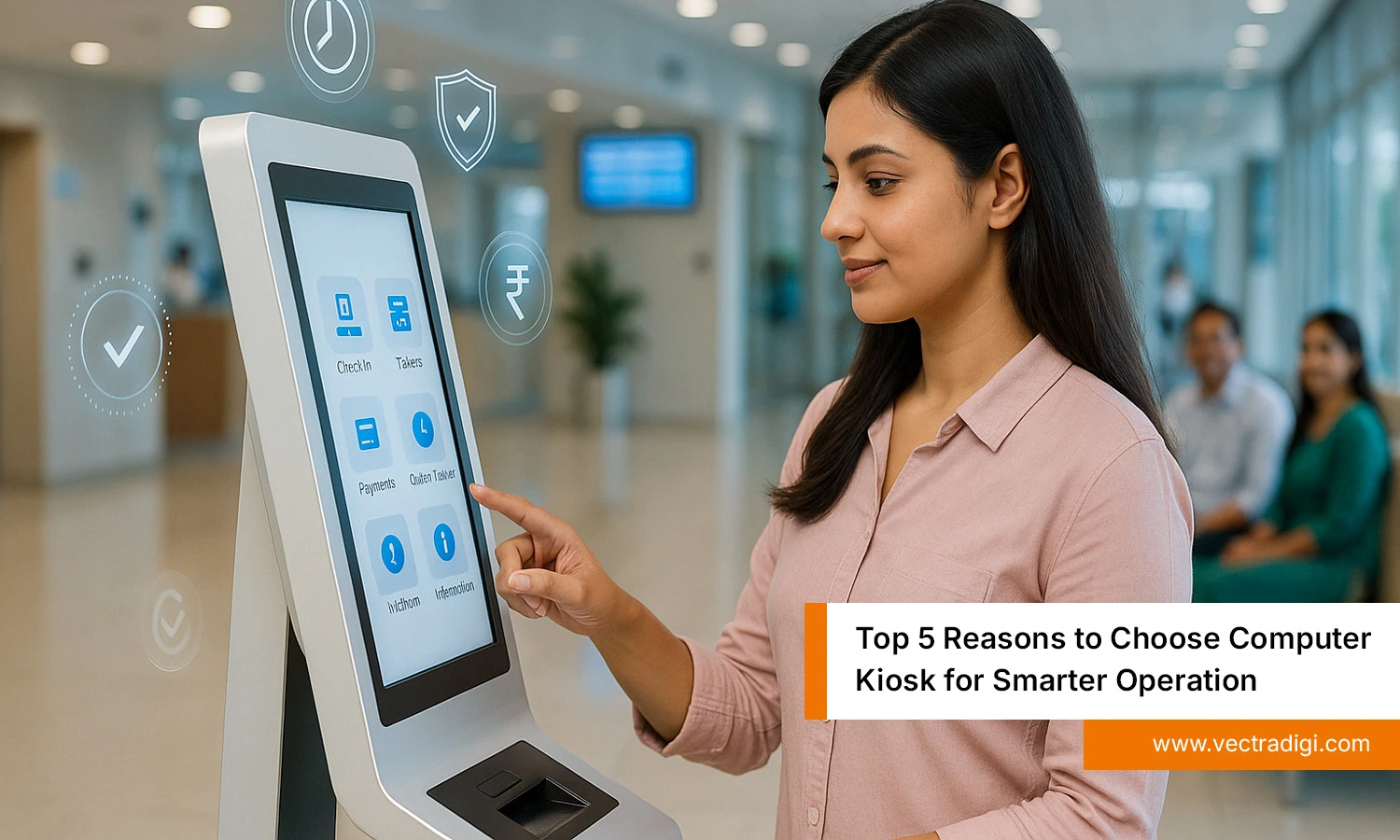
One thing that bothers people the most in stores or service places is waiting around for something simple. A slow-moving line, everyone staring ahead, shuffling a bit, checking their phones, wondering why it’s taking so long. Half the time, the actual task only needs a minute. The delay is in the system, not the people. A computer kiosk cuts all that nonsense. Walk up, tap through a few steps, get the job done, leave. No waiting, no dependence—just finish and move on. That’s real convenience, saving time, not pretending to.
People appreciate:
- Fewer mix-ups.
- Fast completion.
- Avoiding long lines.
- Doing things themselves.
Reason 2: Reduces Operational Costs & Staff Pressure
Running a business requires money, and a large portion of it goes directly to hiring employees. Paying people, arranging shifts, training new joiners, fixing schedules at the last minute, it all eats money faster than anyone plans for. And when everything is handled manually, staff end up doing the same repetitive tasks all day, instead of what actually needs attention. A computer kiosk can take over the basic stuff like registrations, tickets, forms, orders, and visitor sign-ins. No extra hands needed. It gives employees some breathing space and stops the whole place from falling apart during busy hours. It’s simply a smarter way to save costs without cutting service.
Some real advantages:
- Less repetition drains staff.
- Fewer overtime or extra hires.
- Calmer peak times, cleaner workflow.
- More energy for real customer problems.
Reason 3: Provides Accurate, Real-Time Information
It’s easy for things to go wrong when there’s too much happening at once. Details get mixed up, papers disappear under piles, numbers get entered wrong, and people forget instructions. It happens everywhere. A computer kiosk helps avoid a lot of that mess. It updates information right away and shows what’s actually correct at that moment. In hospitals, it shows actual queues instead of guesses. In airports, the screen shows what’s happening with flights right now, instead of guessing. In stores, it shows stock or prices without tracking down someone to ask. No old printouts and waiting. Just clear info when it’s needed.
Some real perks:
- Fewer mix-ups.
- Faster choices for customers.
- Information that’s always current.
- Less reliance on memory or paperwork.
Reason 4: Protects Data & Enhances Security
Data can easily end up in the wrong place when information is handled on paper. Pages fall out, files get left open, and sometimes people see details they shouldn’t. It happens more often than anyone admits. A computer kiosk cuts out a lot of that risk. Everything stays in the system instead of lying around on desks. Access is given only to the right people, and records stay where they belong. No loose sheets to worry about and no guessing who changed what. Everything stays clear and traceable, which keeps sensitive details safe and organized.
Why it matters:
- Fewer risks to handle.
- Clean and trackable records.
- Access only for authorized users.
- Less chance of leaks or missing pages.
Reason 5: Flexible & Customizable for Any Industry
A kiosk can slot into most workplaces without changing how things already run. They aren’t just machines that do one thing, they can be set up however they’re needed. If a place needs scanning or printing, it can be added. If payments, QR check-ins, or ticketing are required, that can be included, too. Kiosks work in all types of places, such as hospitals, shops, hotels, schools, offices, and even small shops. Each place uses them differently, and they can be set up that way without much trouble. They don’t stay fixed either, features can be added or changed when the business needs more. They grow along with the work.
Common uses:
- Queue and visitor management.
- Digital check-ins and navigation.
- Scanning, printing, and payments.
- Product info, pricing, and ordering.
Also Read: How to Choose the Right Computer Kiosk: A Complete Buying Guide
Conclusion
Computer kiosks aren’t just another fancy upgrade anymore. They solve everyday problems that slow everything down, long queues, stressed staff, missing information, and old paper-based systems that just hold things back. When simple tasks are automated and customers can handle things themselves, the whole process feels lighter and moves faster. Businesses save money, mistakes drop, and data stays safer. And the best part is, kiosks work in almost any setup and grow as the work grows. Time matters, and nobody wants to waste it standing around waiting. Self-service tech isn’t the future to plan for it’s already here, and smart businesses are using it.
Ready to upgrade operations and deliver smoother service? Vectradigi can help you integrate the right computer kiosk solution for your business. Start your move toward smarter automation with Vectradigi today.