
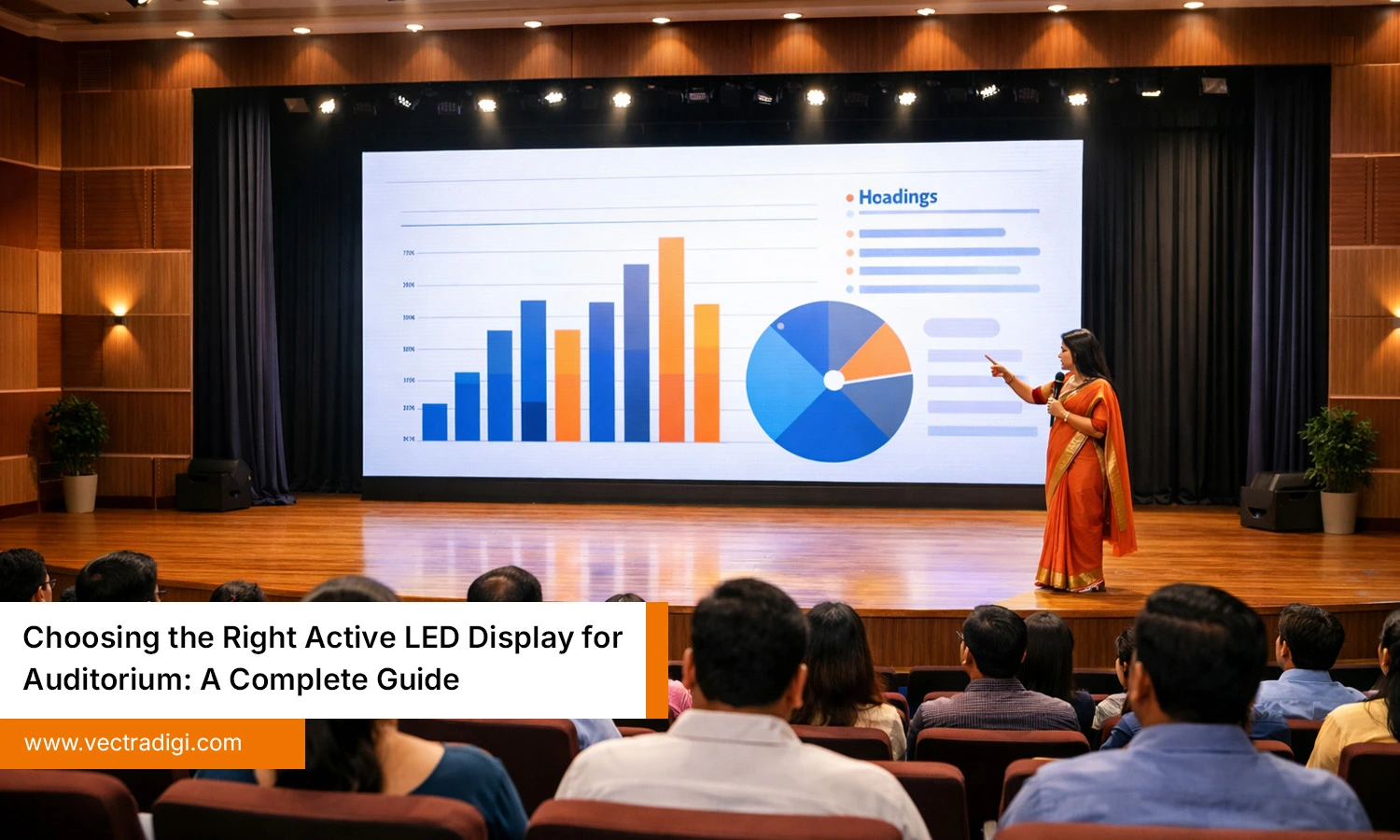
Buying an LED screen for an auditorium feels exciting at first, until the confusion begins. One vendor recommends P2.5, another says P4 is enough, and technical terms like refresh rate and controller make the decision harder. The real goal is simple: a display that looks sharp, bright, and premium from every seat. In an auditorium, the screen is more than equipment. It becomes the centre of attention and the highlight of events, speeches, school functions, presentations, cultural programs, and award nights. This blog covers the essential points needed to choose an active LED display for an auditorium, helping in making a confident and practical decision.
Table of Contents
Also Read: Top 7 Benefits of Using an Active LED Wall for Auditorium Spaces
Why Auditoriums Need LED Displays Today
Traditional auditoriums were built mainly around stage lighting, sound systems, and seating layouts. Screens were never the main focus earlier. But now, everything has changed. Today’s events are more visual, more engaging, and more camera-friendly. People record speeches, performances, and ceremonies, and they expect the display quality to look professional. Even a simple college seminar now needs crisp presentations, videos, guest introductions, and branding on screen. That’s why installing an LED display has become a smart and practical upgrade for auditoriums.
An LED display offers clear visibility from every seat, whether the audience is in the first row or sitting at the back. Unlike projectors, it doesn’t require a dark hall to perform well. The screen stays bright and sharp even with the lights on. It also adds a premium, modern look to the stage, making events feel more high-end.
Key reasons auditoriums need LED displays today:
- Clear visibility from every seat.
- No “dark hall” requirement.
- High impact and premium look.
- Works for multiple types of events.
Key Factors to Choose the Right LED Display for Auditorium
This is the most important section, because many buyers make costly mistakes here. Instead of choosing blindly and regretting later, focus on these key factors before finalising the LED display.
1) Pixel Pitch
Pixel pitch decides how sharp the screen looks. It refers to the space between two LED pixels. The smaller the pixel pitch, the closer the pixels are, and the clearer the display appears. For indoor auditoriums, common options include P2.0/P2.5 for premium clarity, P3/P3.076 for a balanced choice, and P4 for larger viewing distances. P5 is mainly for very large spaces and may look less sharp indoors. For small auditoriums (3–8m), choose P2.5 or P3. For medium (6–15m), P3 or P4 works best.
2) Screen Size and Aspect Ratio
Screen size is exciting because everyone wants a bigger display, but the right size depends on the auditorium setup. If the screen size doesn’t suit the stage width or viewing distance, it can feel out of place and reduce viewing comfort. While choosing the size, consider the stage width, seating layout, last-row viewing distance, and screen height placement. Most auditoriums prefer a 16:9 aspect ratio because it fits presentations, YouTube videos, live streaming, and standard video formats perfectly. Wider ratios may work for performance-based stages, but 16:9 remains the safest option. The screen should look balanced behind the speaker, not too small.
3) Brightness
Auditorium lighting can be challenging because of stage lights, ceiling lights, and spotlights. That’s why brightness plays a big role in display quality. A good indoor LED display for an auditorium usually offers around 800 to 1,200 nits, depending on the hall’s lighting conditions. If the auditorium is brighter, a slightly higher brightness level is better. Low brightness makes the screen look dull and unclear, while very high brightness can feel uncomfortable for the audience. The goal is a balanced output with strong contrast and clear visuals. Always confirm the brightness rating with the vendor and request a real-site demo.
4) Viewing Angle
In an auditorium, the audience is spread across different rows and side sections, and not everyone gets a centre view. Many seats are positioned at an angle, especially near the edges. That’s why viewing angle matters while selecting an LED screen. A good LED display should stay clear and bright even when viewed from the sides, without fading, colour changes, or reduced visibility. If the viewing angle is poor, people sitting on the left or right may not enjoy the same screen quality as the centre audience. For a better overall experience, always choose a display with wide viewing angles that covers the full seating area comfortably.
5) Resolution and Content Quality
Resolution depends on the pixel pitch and overall screen size. Higher resolution means sharper visuals and clearer text, which is especially important in auditoriums used for academic presentations, training sessions, and guest speaker programs. In such events, slides often contain graphs, headings, and key points that must be readable even from the last row. If the text looks blurry or unclear, the audience loses interest quickly, and the entire session feels less effective. A reliable LED display should deliver crisp fonts, sharp logos, clean graphics, and smooth video playback. Choosing the right resolution ensures every presentation looks professional and easy to follow.
6) Power Consumption and Heat Management
LED displays often run for long hours during seminars, functions, and stage events, so power usage and heat control become important factors. High-quality panels are energy-efficient and manage heat well, which helps maintain stable performance. On the other hand, low-quality LED screens may overheat, cause colour imbalance, or reduce the display’s lifespan over time. Before finalising, it is important to check the power supply quality, cooling support, and overall safety protection. Proper earthing and a correct electrical setup also prevent sudden issues during live events. These details may seem minor at first, but they play a major role in long-term reliability and smooth operation.
Common Mistakes to Avoid While Buying an LED Display for an Auditorium
Many people rush the buying decision and later face avoidable issues. An LED screen is a long-term investment, so selecting the right specifications and ensuring proper installation is important for smooth performance. To avoid regret, always review the technical details, service support, and overall quality before finalising the purchase.
- Choosing the wrong pixel pitch – The screen may look unclear or less sharp indoors.
- Ignoring refresh rate – It can cause flickering during recording or live streaming.
- Focusing only on price – Cheap panels may lead to dead pixels and uneven brightness.
- Not checking warranty and service support – After-sales help is crucial for long-term use.
- Poor installation and weak structure – It can affect performance and safety over time.
Conclusion
Choosing the right LED display for an auditorium is not just about selecting a big screen. It’s about ensuring the audience gets clear visibility, sharp visuals, and a premium experience in every event. By focusing on pixel pitch, screen size, brightness, viewing angles, resolution, and power efficiency, it becomes easier to shortlist a display that matches the auditorium’s layout and purpose. A well-chosen LED display improves presentations, supports recordings, and upgrades the overall stage appeal. With the right planning and proper installation, an auditorium LED screen becomes a long-term investment that delivers consistent performance and professional results.
Need expert help choosing the best LED display for auditorium? Contact Vectradigi for a site visit, right pixel pitch guidance, and a complete LED display solution with installation and support.

