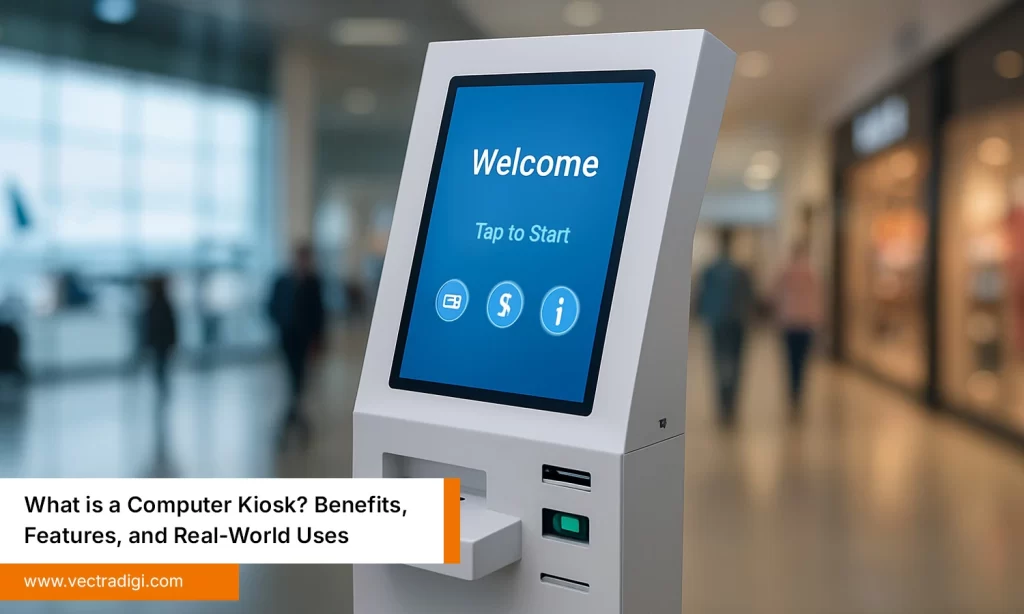
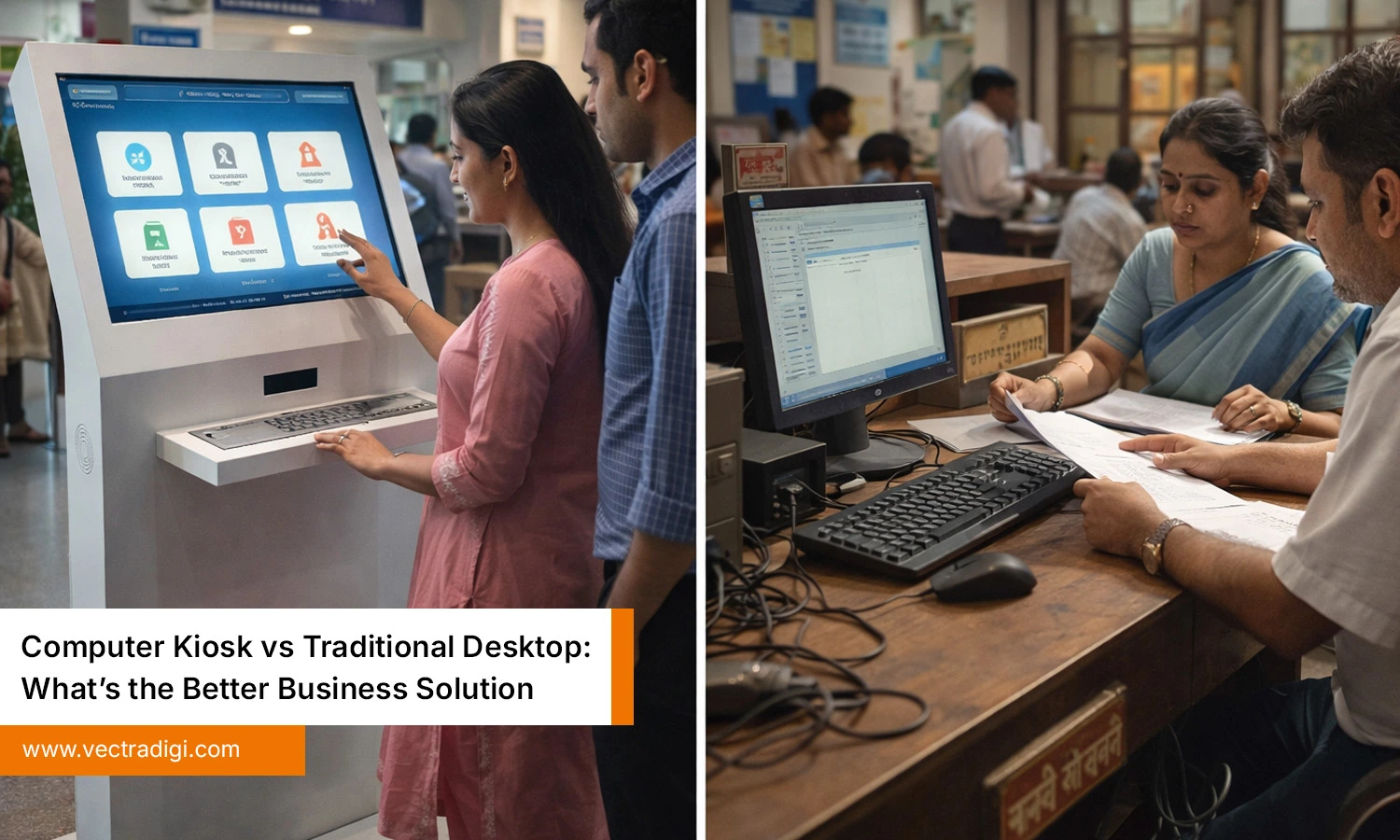
In today’s workplace, computers appear in almost every public space at receptions, in waiting rooms, in stores, and in schools. Businesses depend on them to guide visitors, collect information, and serve customers faster. Still, many organizations place traditional desktops in open areas because they feel familiar and affordable. Over time, they bring problems like damaged keyboards, missing mice, tangled cables, slow systems, and security worries. Meanwhile, computer kiosks are emerging as a cleaner option for shared spaces today, everywhere. This blog will compare both in a simple, practical way so you can make a confident decision for your business.
Table of Contents
Also Read: Top 5 Benefits of Using Computer Kiosks in Offices and Public Spaces
The Real Problem Businesses Face
Before comparing technology, let’s talk about the real issue that sits behind most business decisions. Businesses today are not just buying machines, they are trying to run smoother, safer, and more efficient operations every single day.
Most leaders consistently want three things:
- Smooth customer experience.
- Lower maintenance cost.
- Strong data security.
Traditional desktop computers often fail at all three when placed in public or shared spaces. They were designed for office desks, not crowded lobbies, busy waiting areas, or high-traffic retail floors. Because of this, they break more often, need constant fixes, and create security risks that make IT teams nervous. Computer kiosks, on the other hand, were built exactly for this purpose to survive public use while keeping systems secure, organized, and easy to manage for staff Today.
Computer Kiosk vs Traditional Desktop: Direct Comparison
| Feature | Computer Kiosk | Traditional Desktop |
|---|---|---|
| Security | Very High | Low to Medium |
| Durability | Built for public use | Not built for public use |
| Space | Compact and neat | Bulky and messy |
| Maintenance | Low | High |
| Theft Risk | Minimal | High |
| Data Protection | Strong restrictions | Often weak |
| User Experience | Simple and guided | Confusing for many users |
| Long-Term Cost | Lower | Higher |
This table alone explains why many businesses are moving toward kiosks.
Cost Comparison: Which Saves More Money?
At first glance, a traditional desktop looks cheaper. You can buy one, plug it in, and start using it right away. But this is where many businesses lose money.
When a desktop sits in a public area, it often leads to frequent breakdowns, damaged keyboards and mice, scratched screens, software glitches, security risks, and repeated IT support calls. Over time, these hidden expenses keep growing.
A computer kiosk may seem costly at the beginning, but it saves money in the long run because it is more durable, needs fewer repairs, prevents theft, reduces pressure on IT teams, and protects business data.
Many owners hesitate when they see the kiosk price. Yet after a year or two, they realize desktops cost more. One hospital administrator said, “We spent more fixing desktops in one year than we would have spent buying kiosks.” That says everything.
Maintenance and Longevity
Traditional desktops demand constant attention in public spaces. They need regular dusting, frequent software updates, antivirus checks, and occasional hardware replacements when keyboards, mice, or screens stop working. Even a single virus or software glitch can slow the entire system, forcing businesses to call IT support, interrupt services, and waste valuable time. Over months and years, this cycle of breakdowns and repairs becomes exhausting for staff and expensive for the organization.
Computer kiosks are designed differently to reduce these headaches. Their enclosed structure protects internal components, keeps cables secure, and allows systems to recover quickly after each use. As a result, kiosks break down far less often and require minimal technical intervention. Many organizations report that their kiosks operate smoothly for years with very little maintenance.
They usually include:
- Automatic system reset features.
- Dust-resistant design.
- Better cable management.
- Industrial-grade materials.
Security: A Major Business Concern
Security is one of the biggest reasons companies move from traditional desktops to computer kiosks in public spaces. When a regular desktop is placed in an open area, almost anyone can plug in a USB drive, try to open private files, install malware, or change system settings. In some cases, important business data can even be copied or stolen without staff noticing. Even with antivirus software, desktops remain exposed because they were never built for shared environments.
A computer kiosk takes a different approach. It sits inside a locked enclosure that blocks physical access, allows only approved applications, and prevents random downloads. Most kiosks disable USB ports and automatically reset the system after every user session. For organizations handling sensitive information, such as hospitals, banks, and government offices, this level of control brings real peace of mind. If data protection truly matters to your business, this choice becomes very clear.
User Experience: What Do Customers Prefer?
Put yourself in your customer’s shoes. Imagine walking into a busy hospital and seeing a dusty traditional desktop with tangled wires, a loose keyboard, and a broken mouse sitting on an unstable table in the corner. You would probably feel frustrated, confused, and hesitant before even starting, wondering whether the system will work properly at all.
Now picture a sleek computer kiosk standing straight in front of you with a bright, clear touchscreen that calmly says, “Touch here to check in.” The difference in feeling is immediate: the desktop looks messy, outdated, and unreliable, while the kiosk feels simple, secure, and professional. For elderly visitors, first-time users, or anxious patients, this contrast matters a lot because the kiosk feels welcoming rather than intimidating.
Most people find kiosks easier to use because:
- They have simple interfaces.
- They guide users step by step.
- They remove technical confusion.
- They look modern and organized.
Real Business Impact
Technology choices are never just about machines, they shape everyday experiences for real people.
- Hospitals reduce patient waiting time with self-check-in kiosks.
- Retail stores improve customer satisfaction using interactive kiosks.
- Schools make digital access easier for students through kiosks.
- Corporate offices speed up visitor registration with kiosk systems.
- Government offices handle public services faster using kiosks.
- Airports reduce queues through self-service kiosks.
Conclusion
Choosing between a computer kiosk and a traditional desktop ultimately depends on how your business serves people. Desktops remain valuable for private office work that requires high performance and flexibility. However, in public and shared spaces, computer kiosks consistently deliver better security, durability, lower maintenance, and a smoother user experience. They reduce downtime, protect sensitive data, and help organizations operate more efficiently while improving customer trust. For hospitals, retail stores, schools, government offices, and corporate lobbies, kiosks are not just technology upgrades, they are strategic investments that shape service quality, brand perception, and long-term operational savings across every interaction daily.
Ready to upgrade your public computing? Partner with Vectradigi to design, deploy, and maintain secure computer kiosks that enhance customer experience, cut maintenance costs, and future-proof your business operations today.